Theatrium for Apple TV and Google TVHome DashboardMusic VisualizerLight Sync
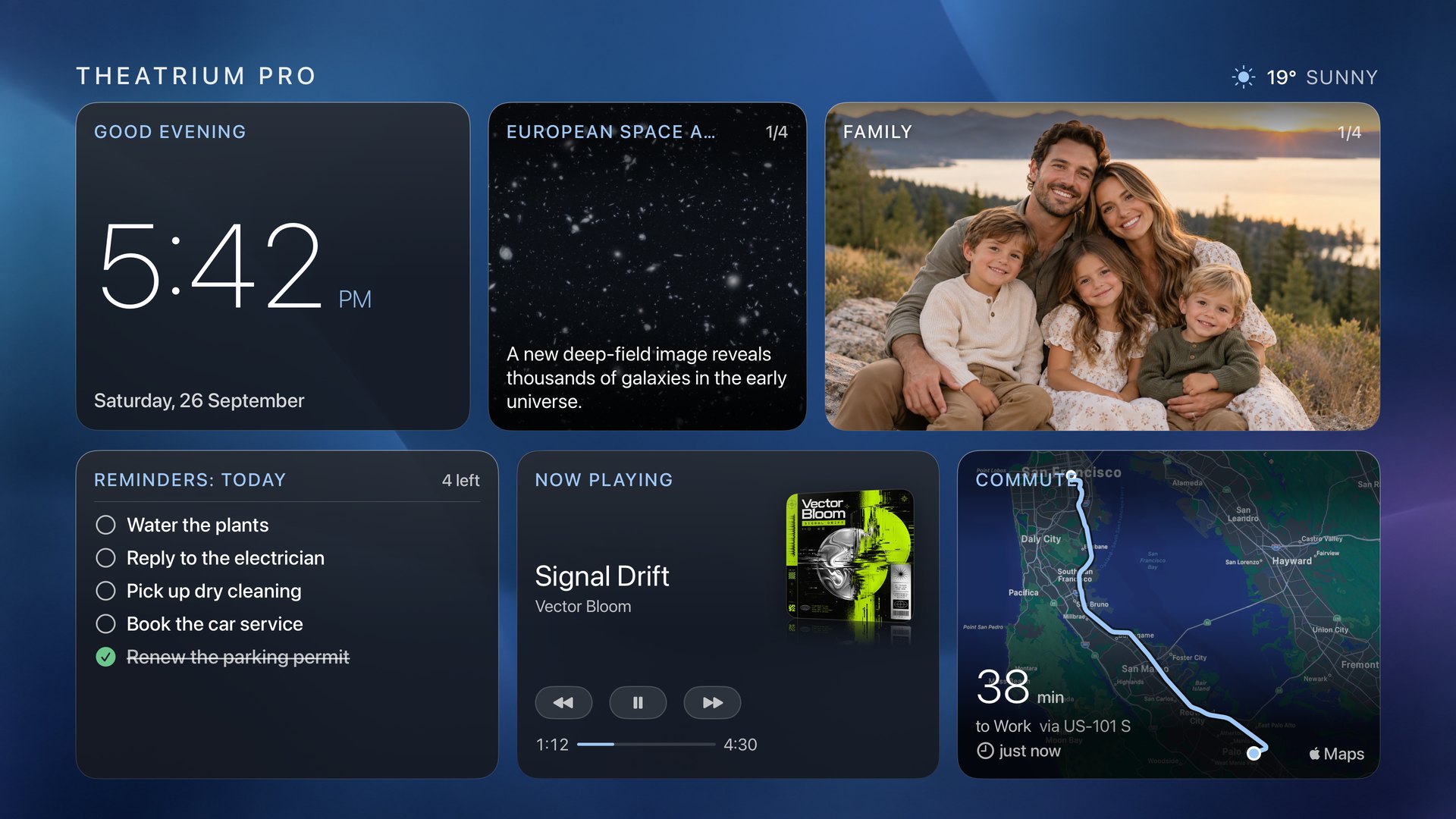
An app for Apple TV, Google TV and Android tablets that shows your smart home, turns your music into a full-screen visualizer, and syncs your room lights to the colors on screen.
Works with Home Assistant, Apple HomeKit, or no smart home at all · no account, no analytics, no tracking
A home dashboard, a music visualizer, and room lights that follow the screen.
The dashboard
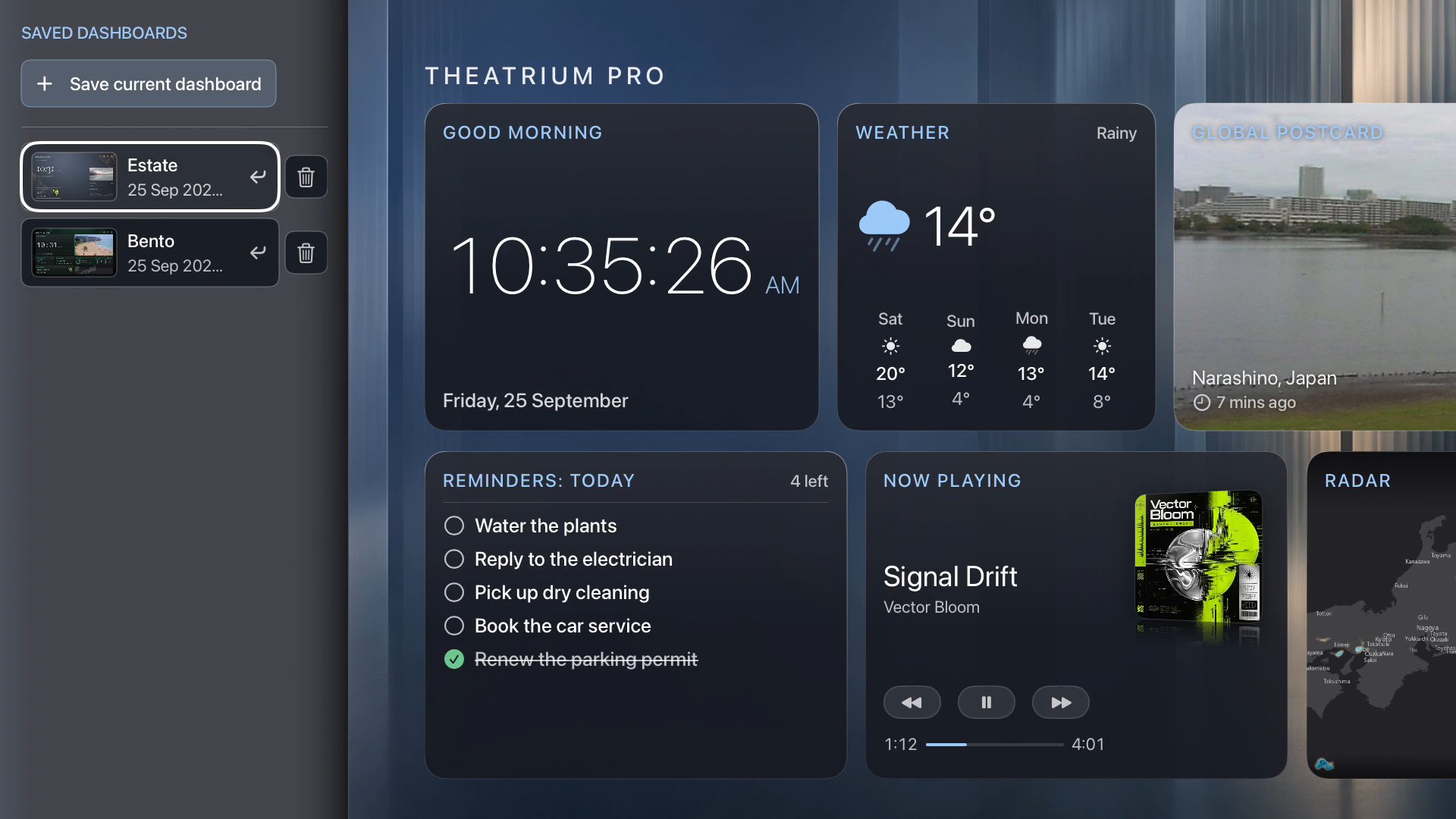
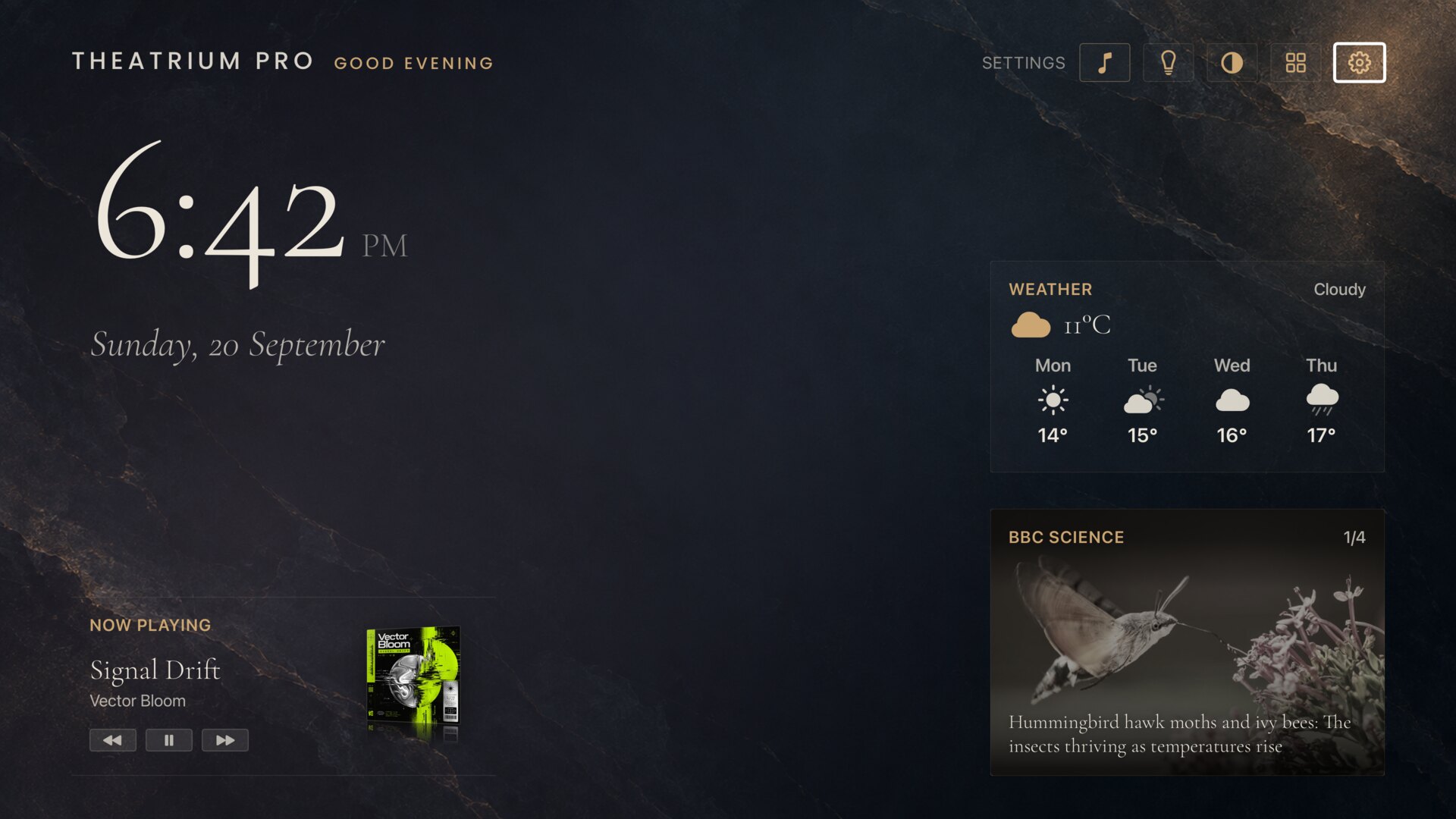
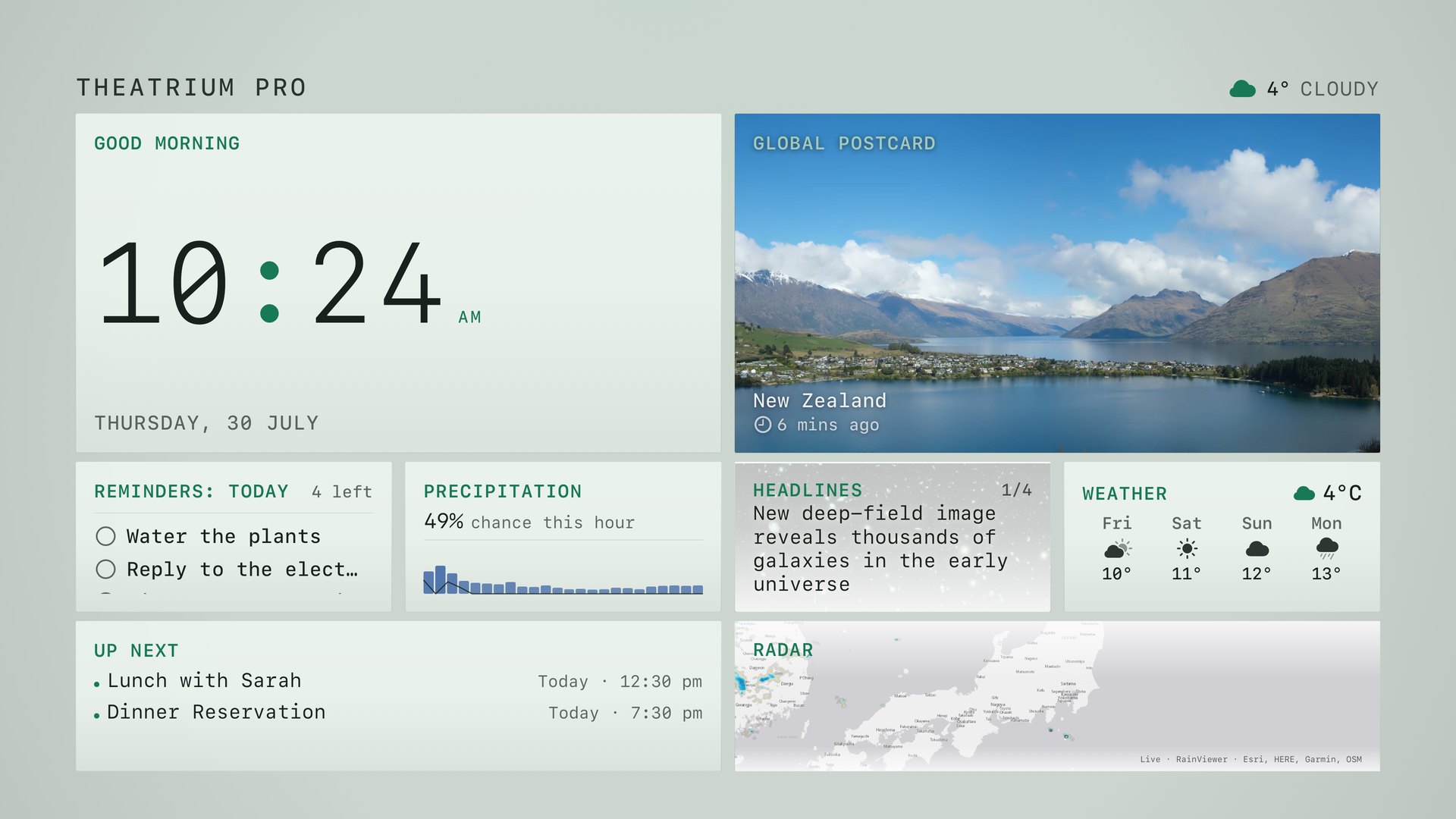
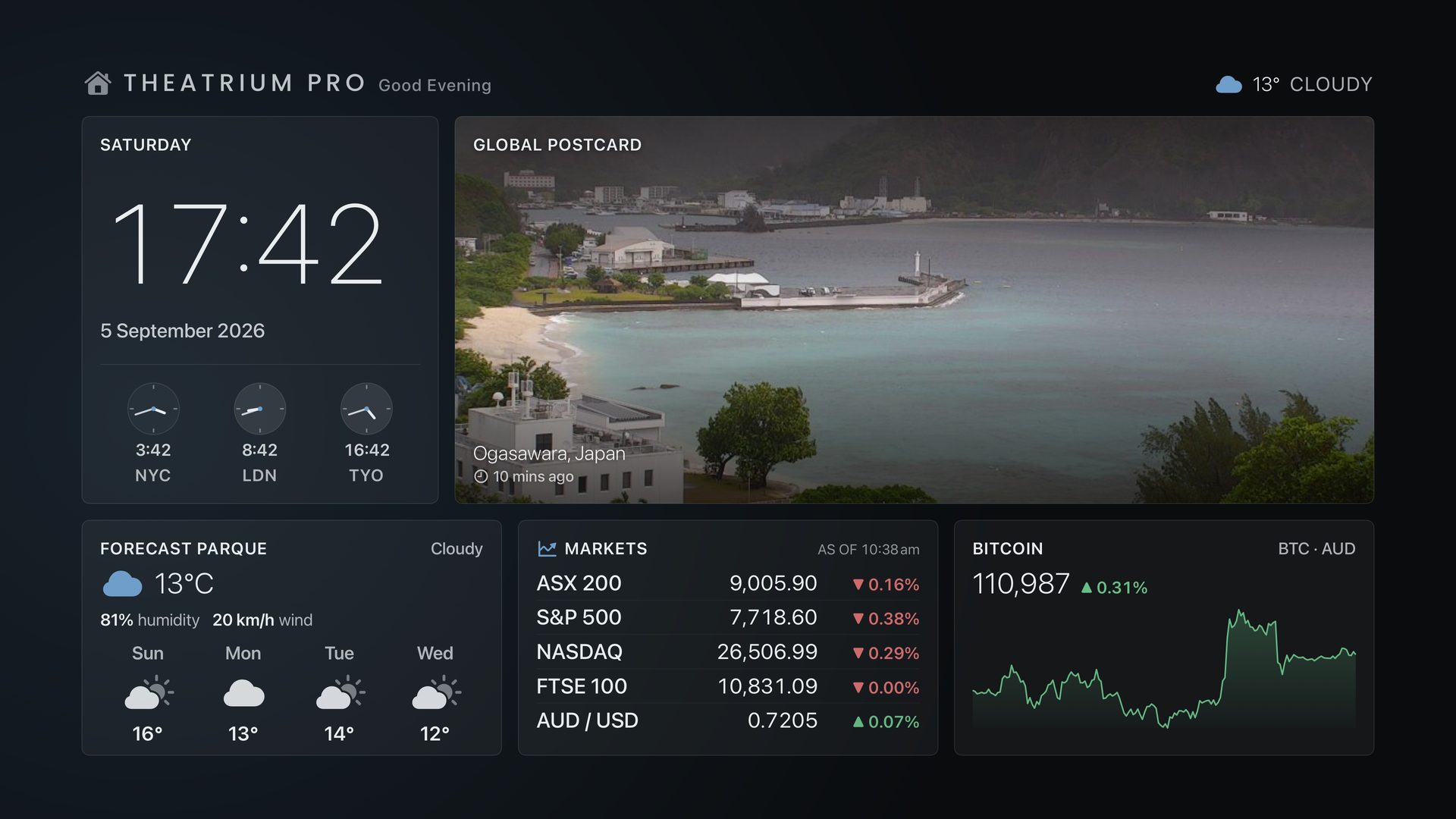
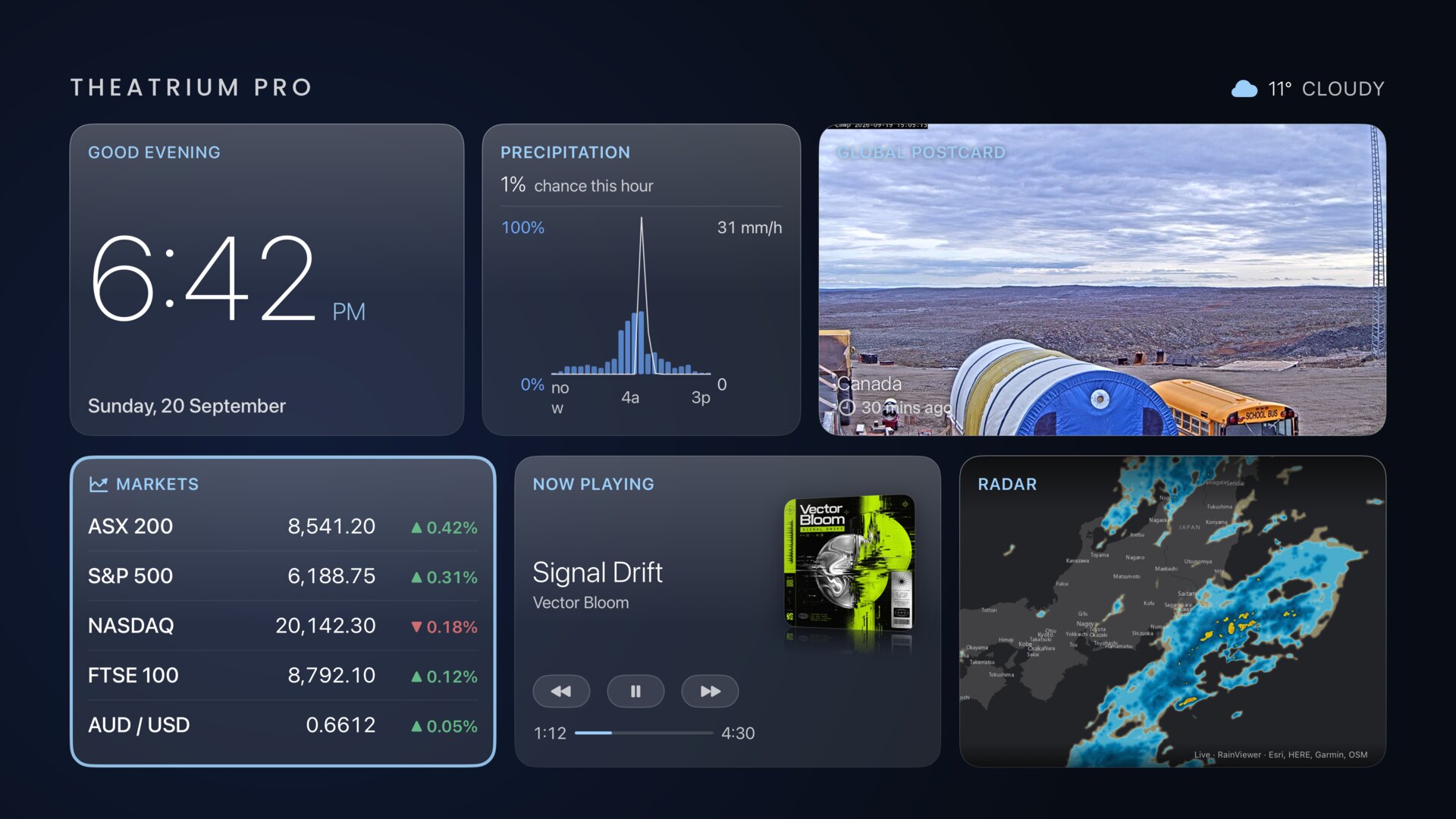
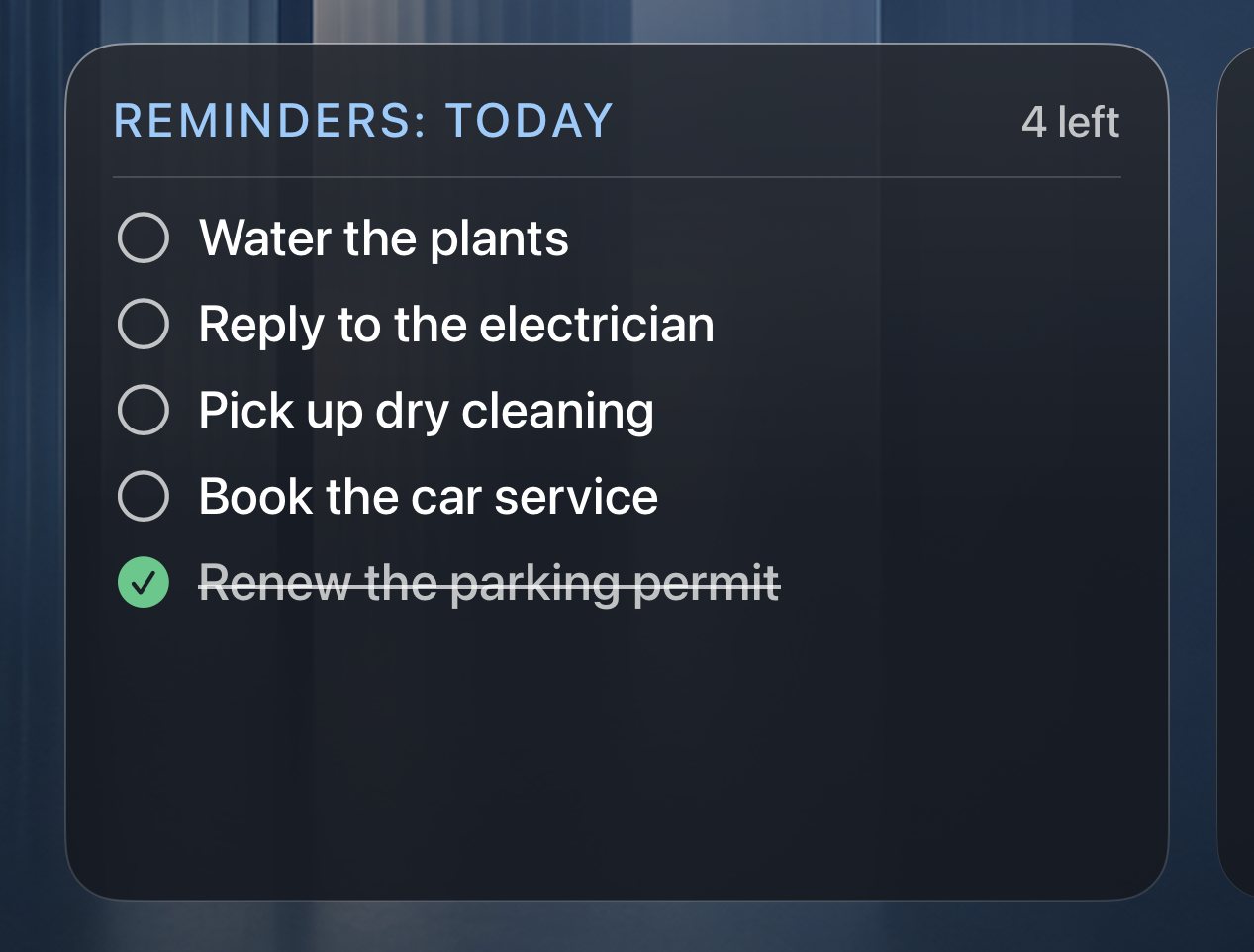
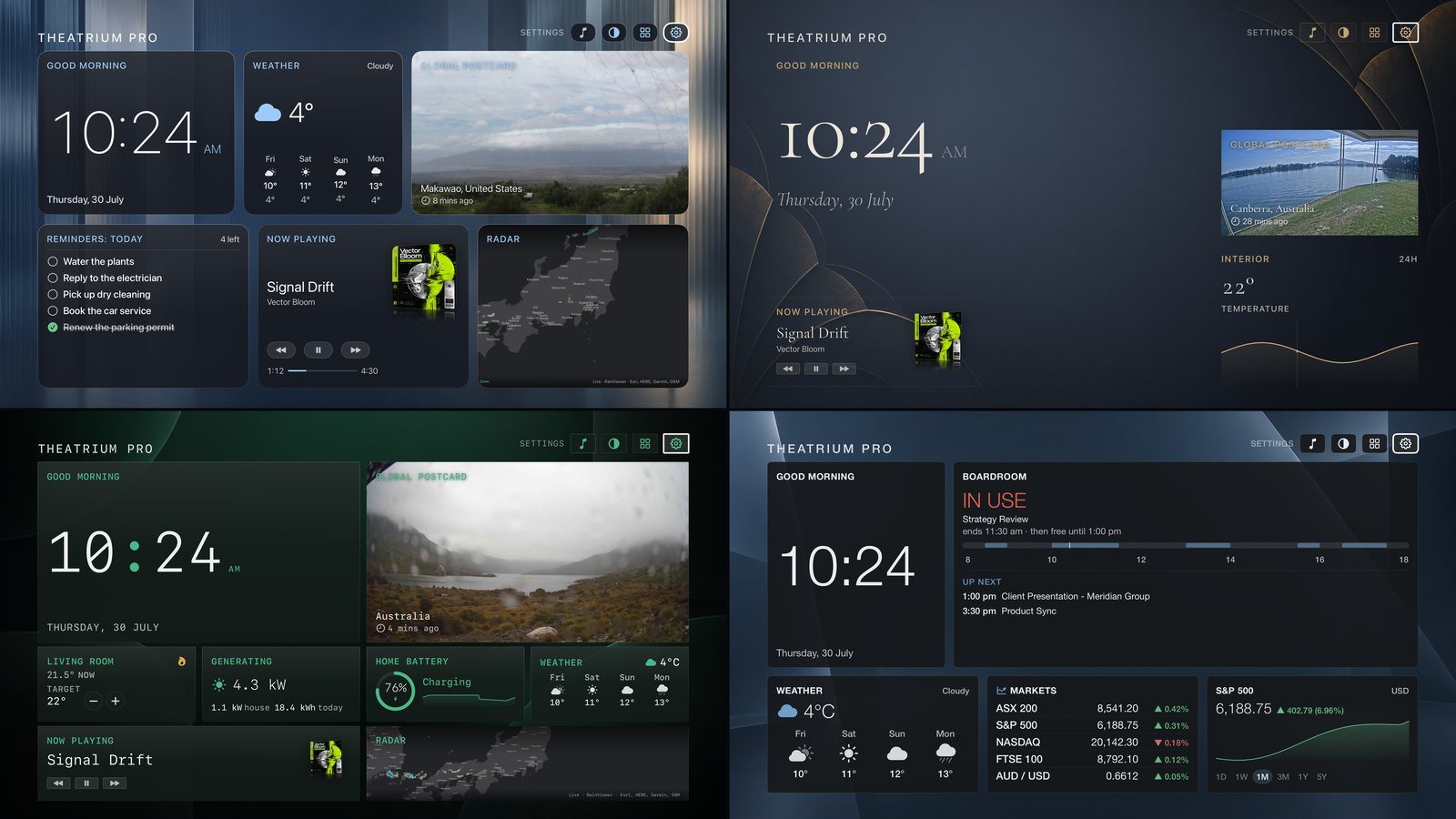
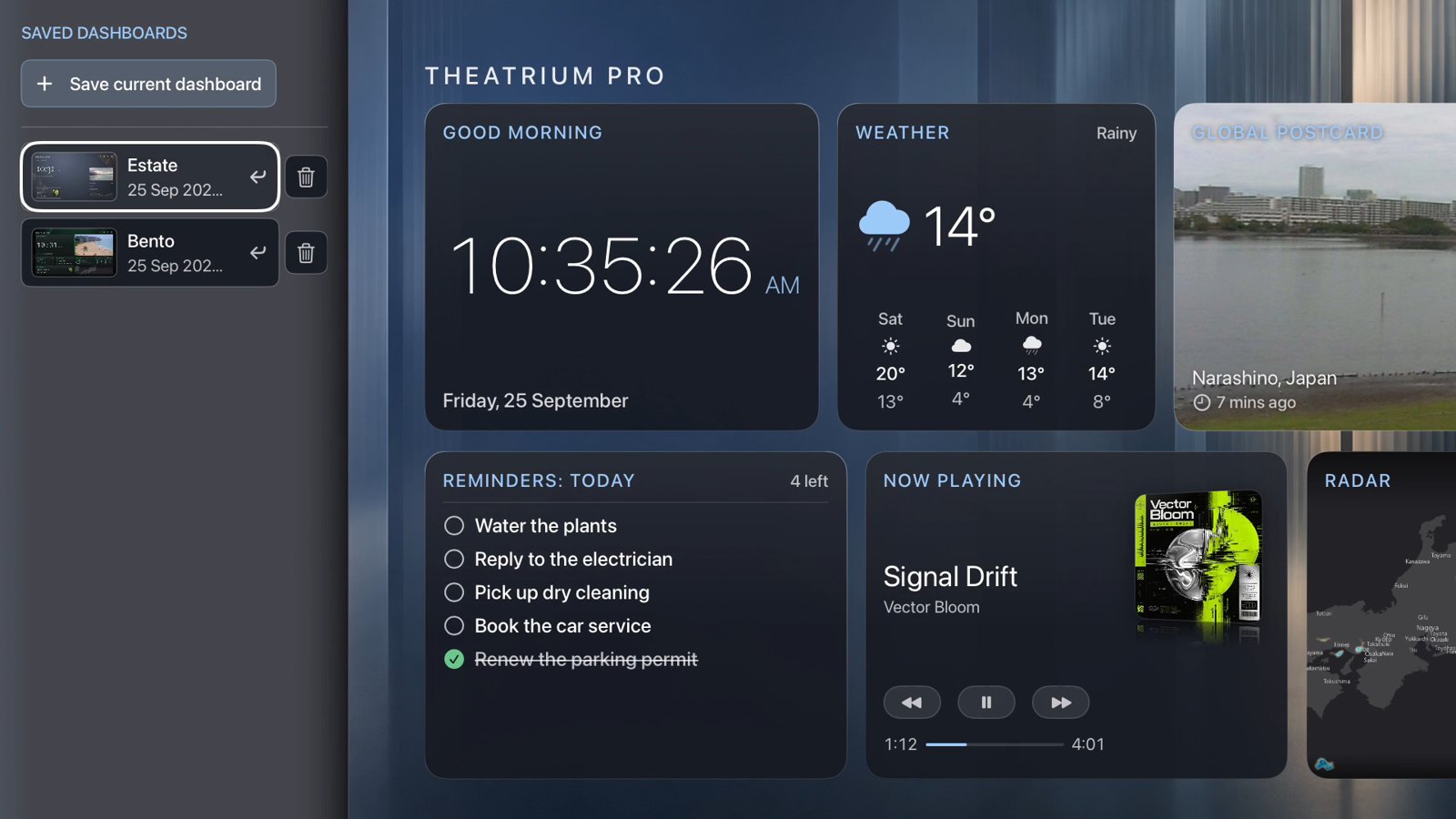
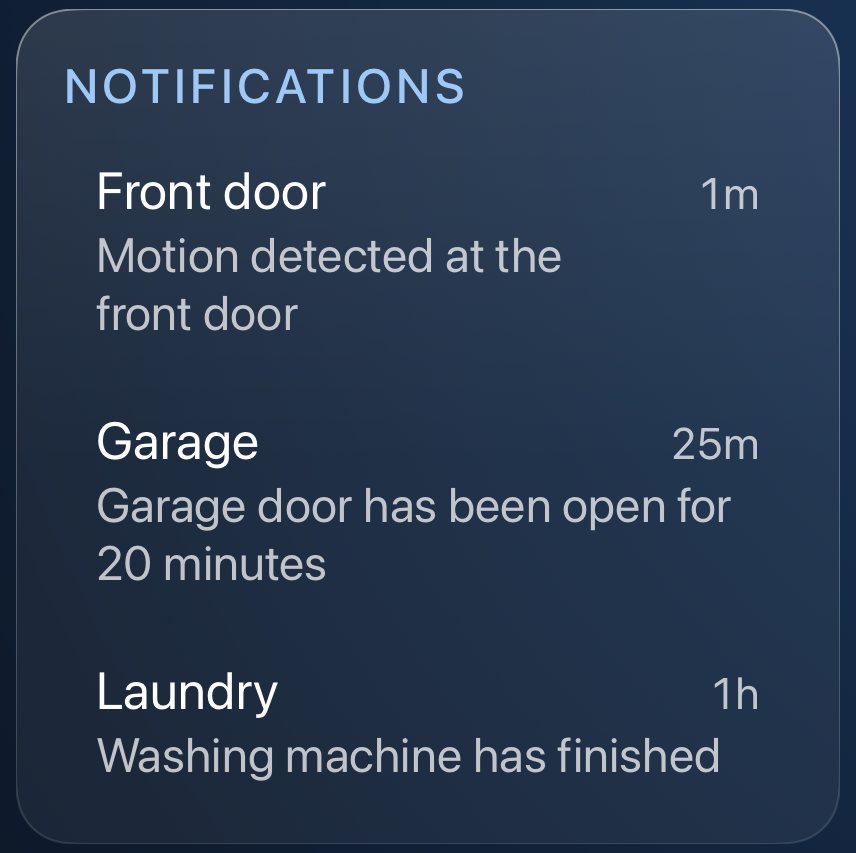
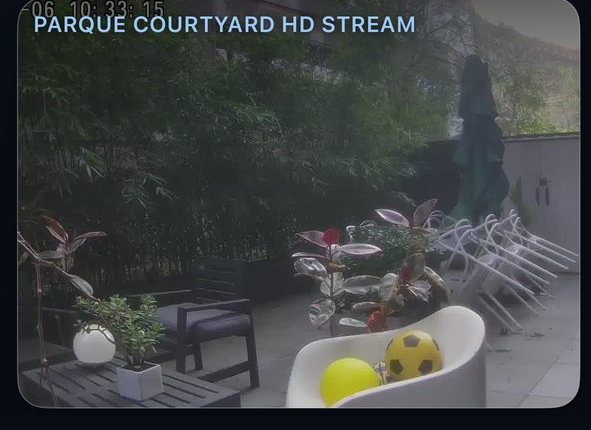
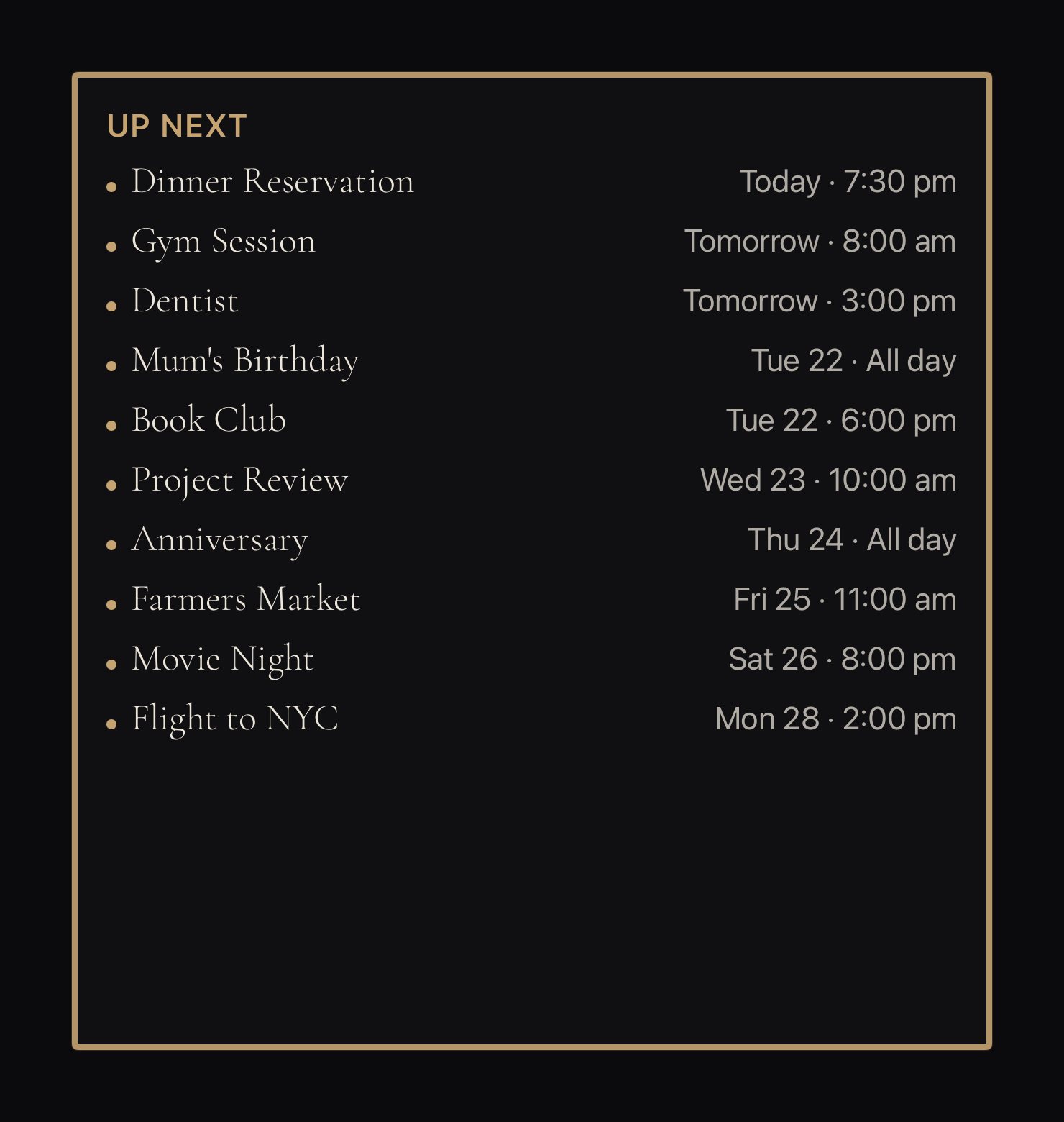
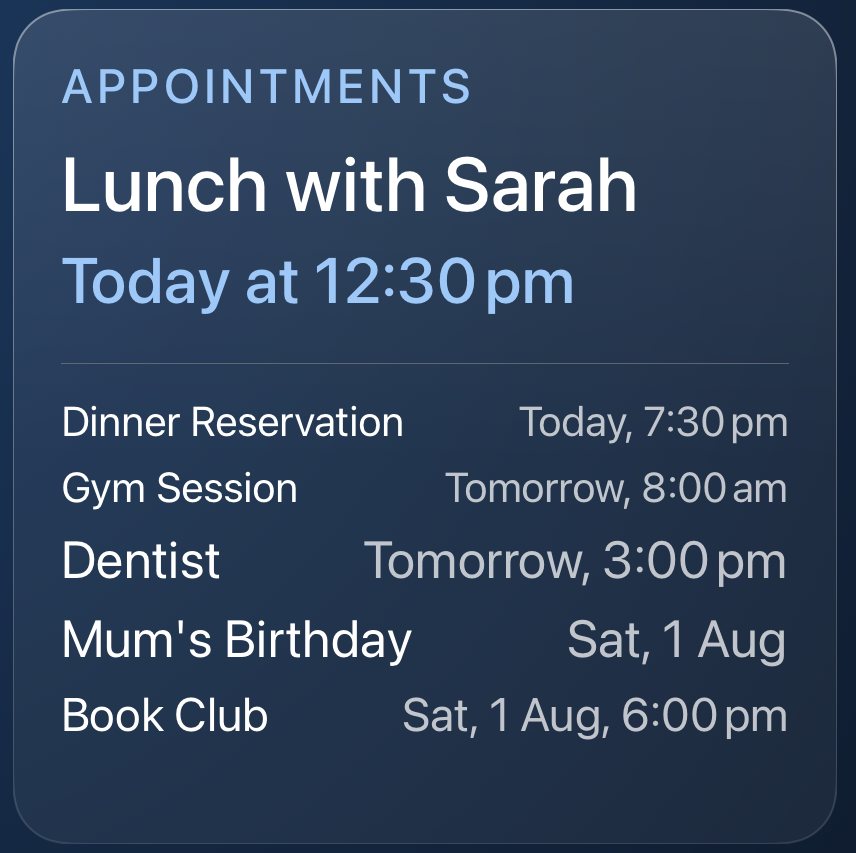
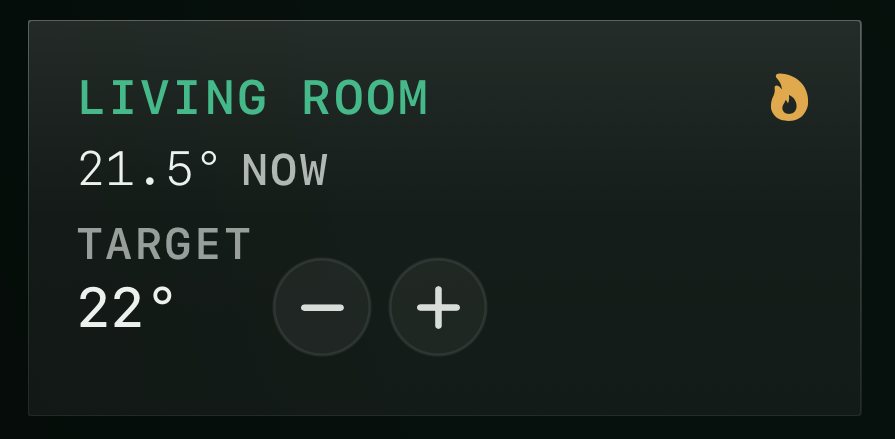
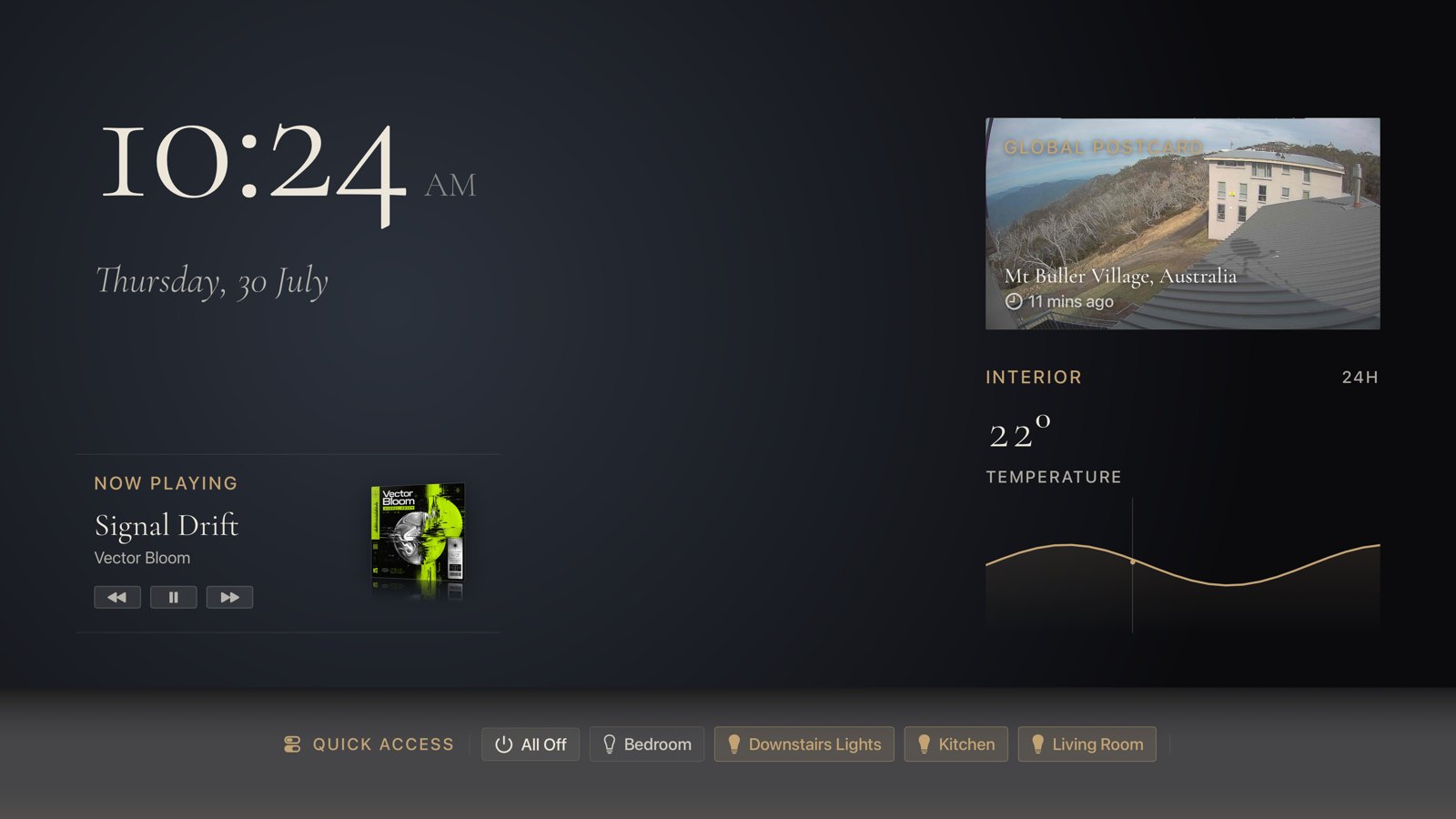
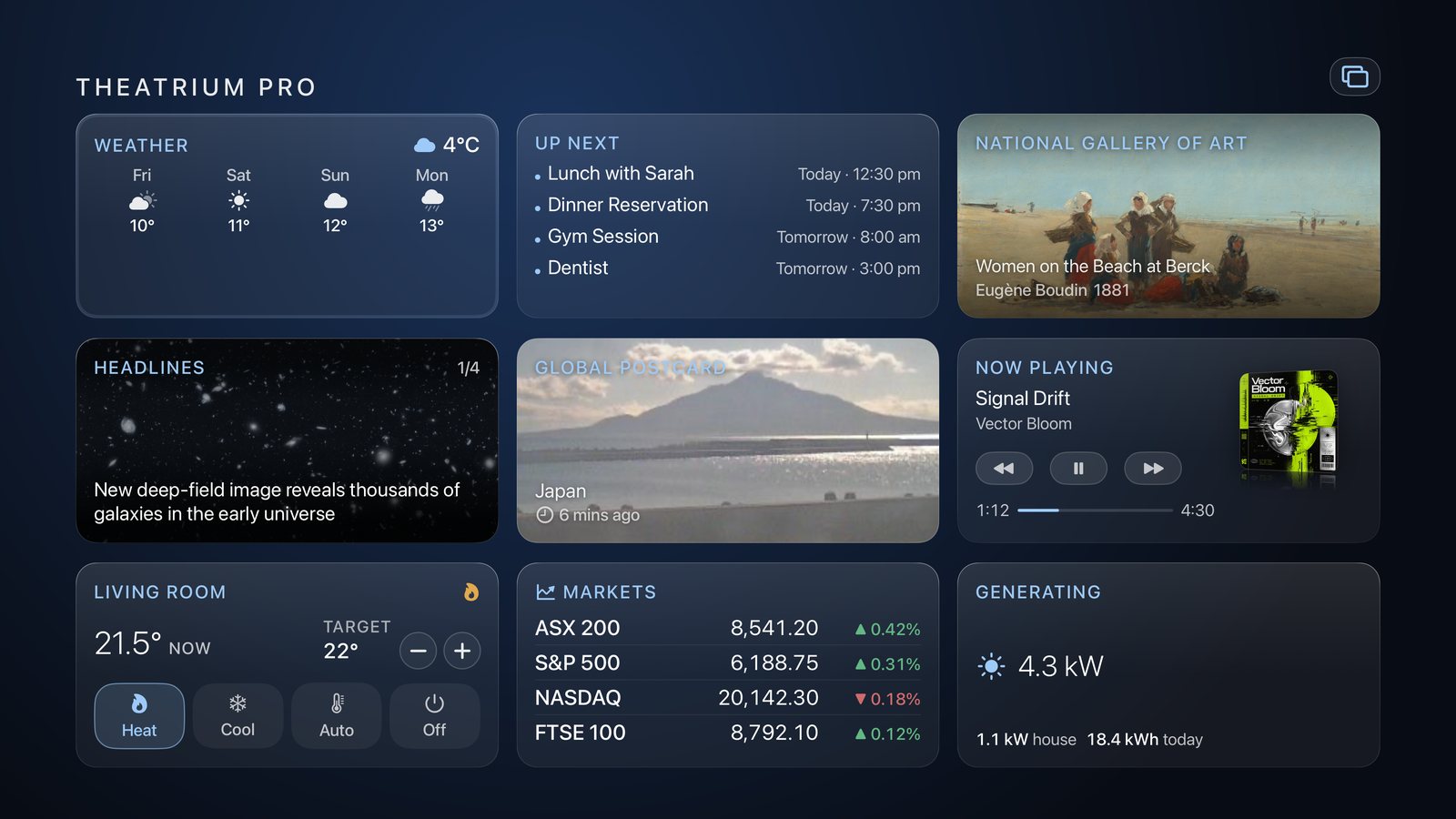
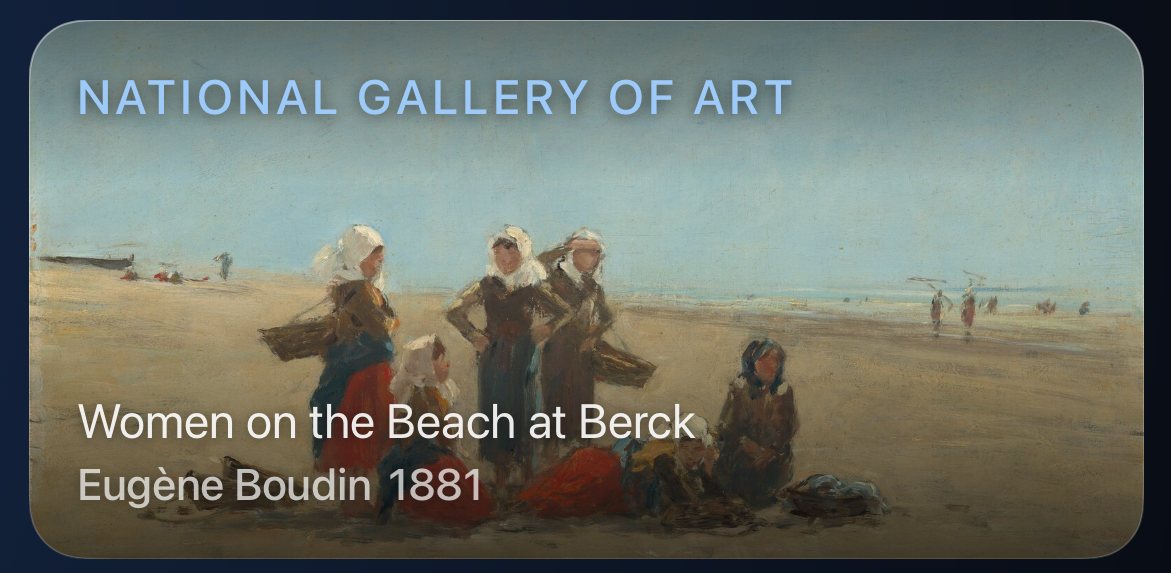
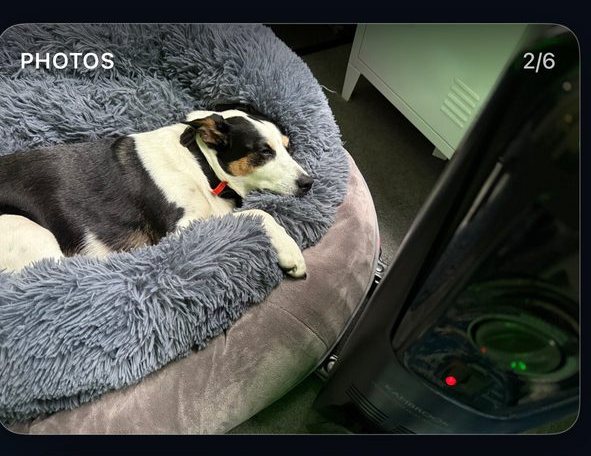
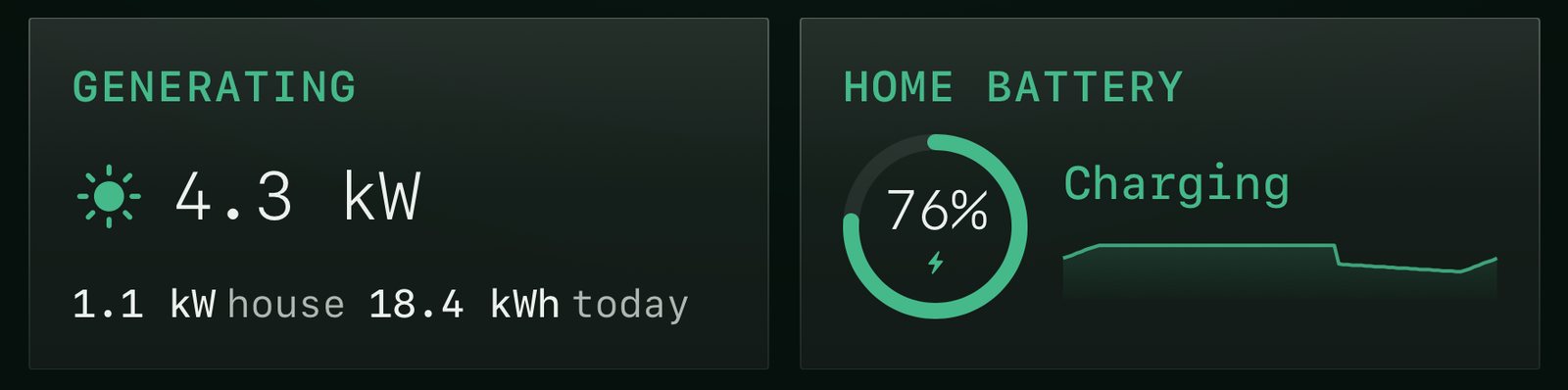
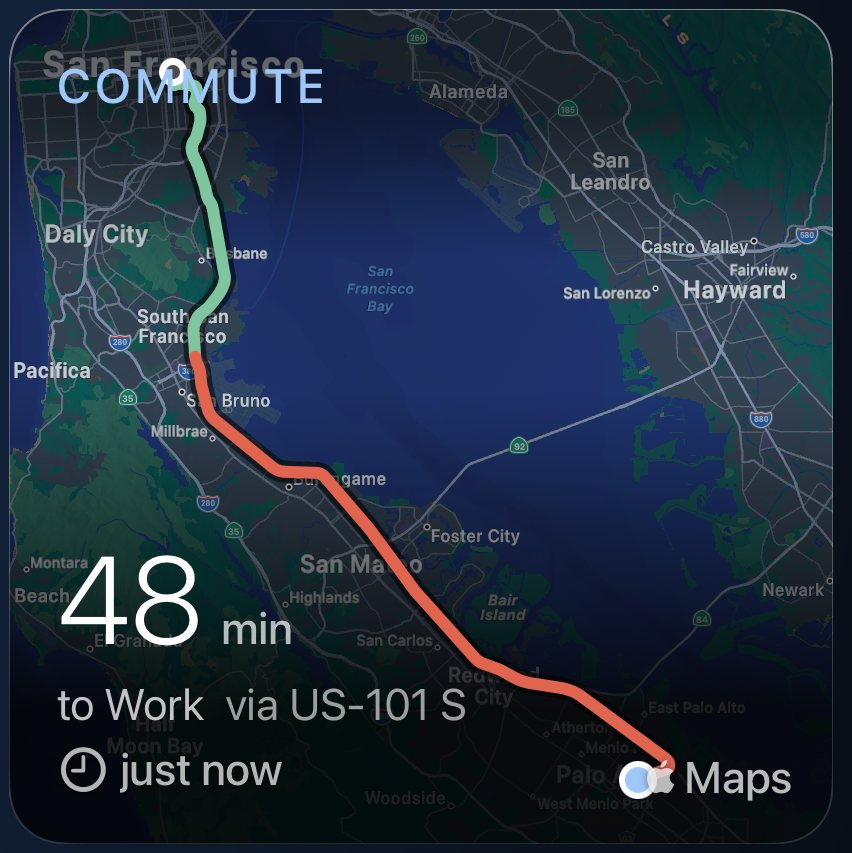
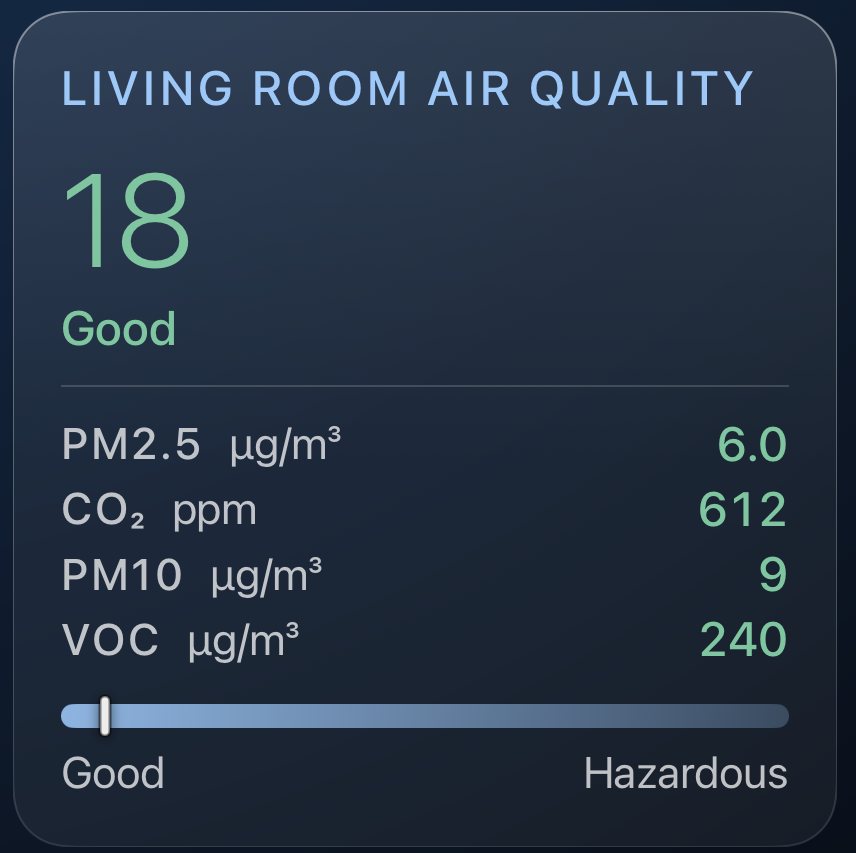
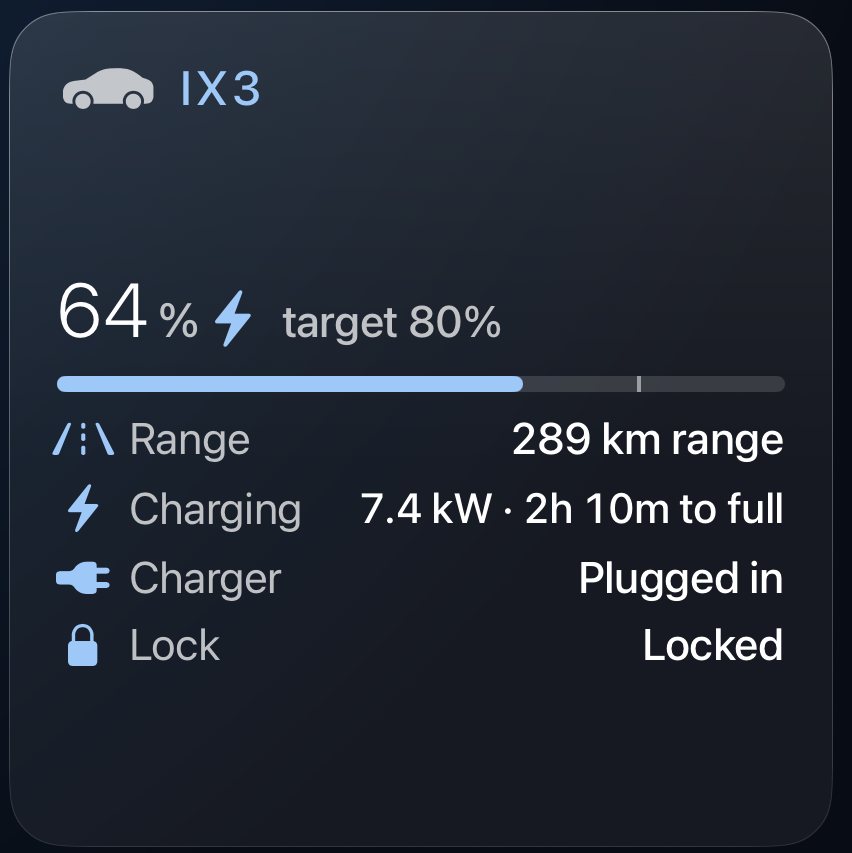
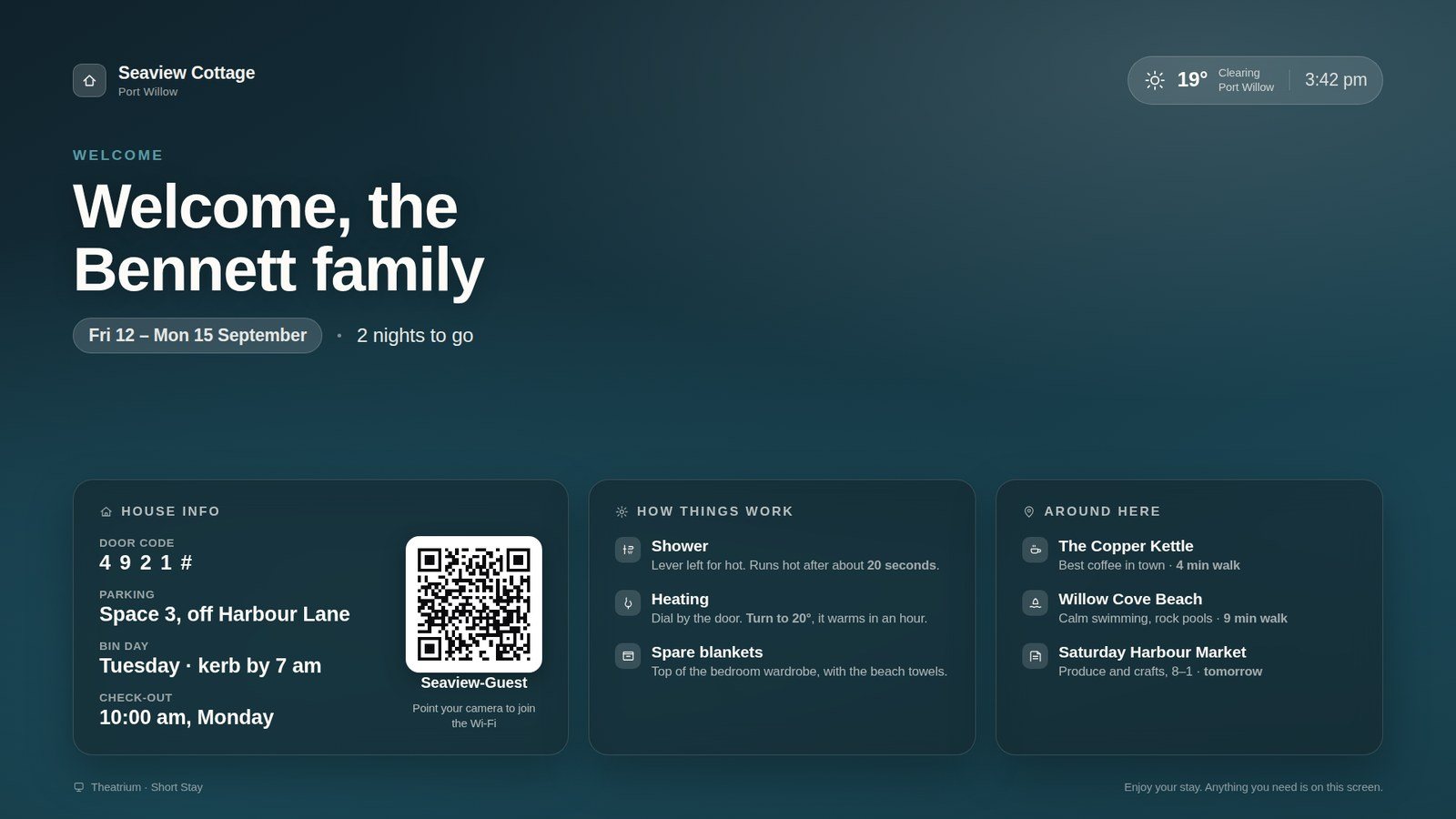
A beautiful, curated dashboard: every room, scene, camera, sensor and control on one calm, elegant screen, from Home Assistant or Apple HomeKit, built for the Siri Remote. Give each theme its own background image, and save a whole arrangement as a named layout you can switch to in a press.
The visualizer
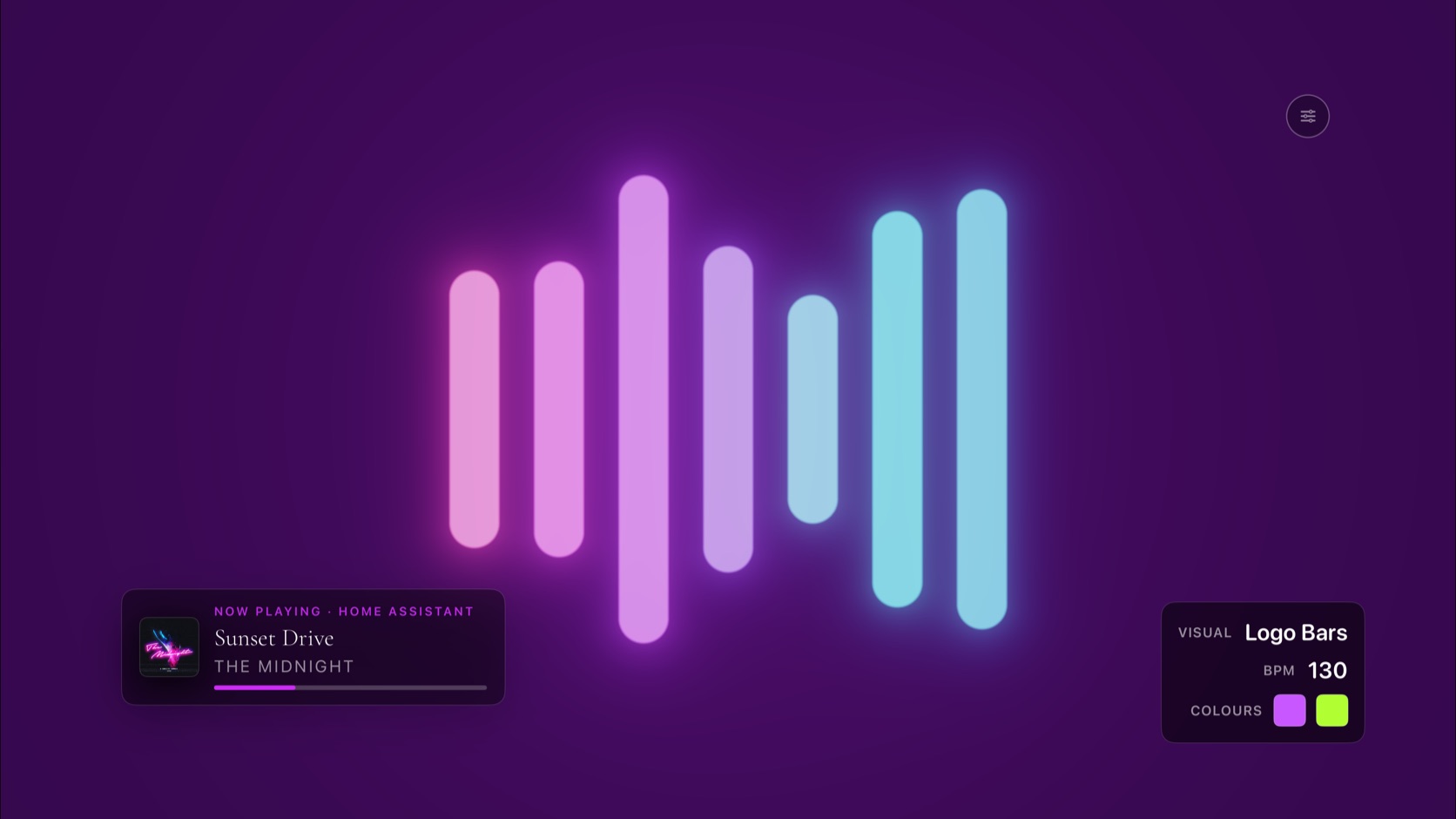
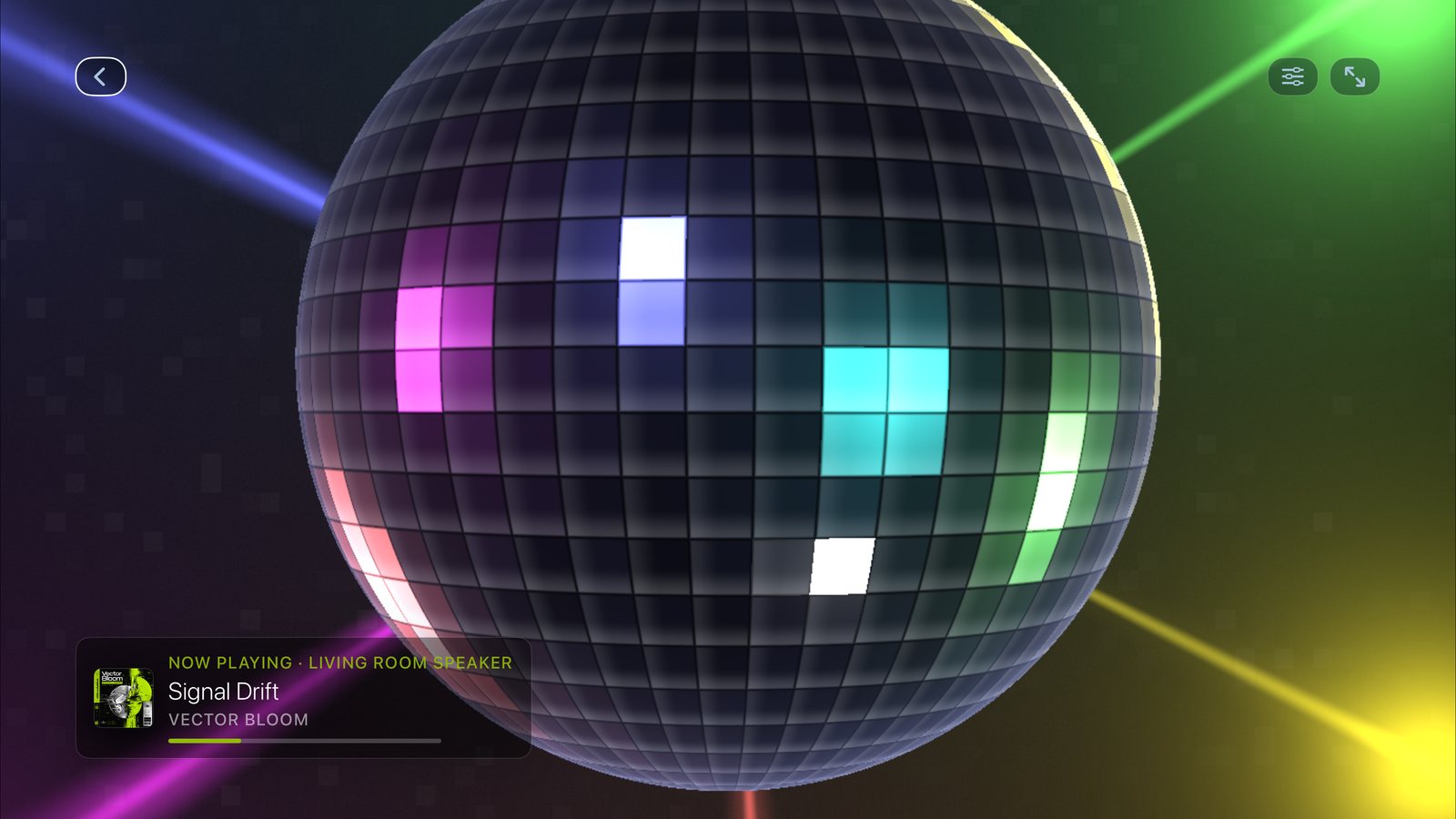
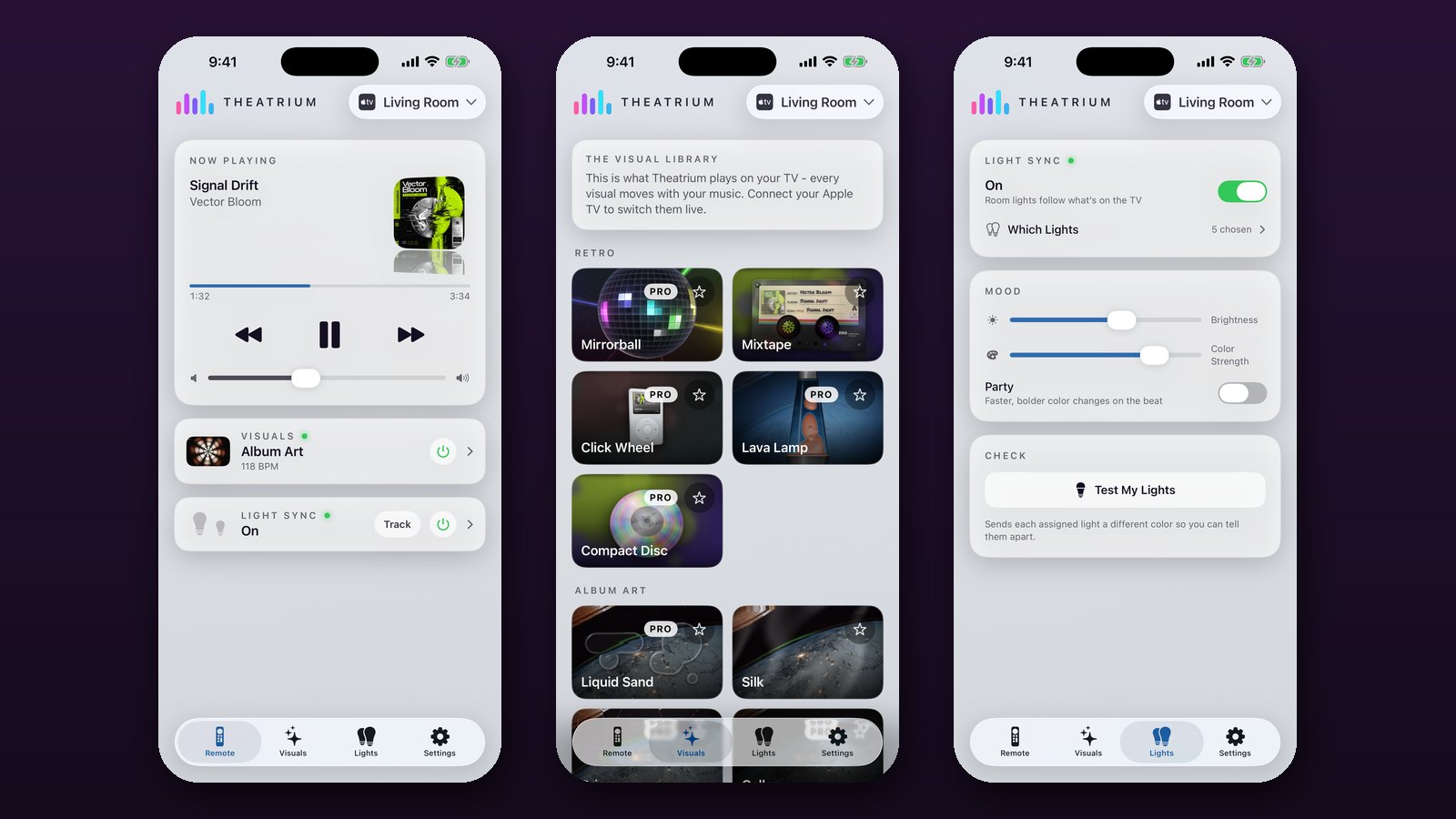
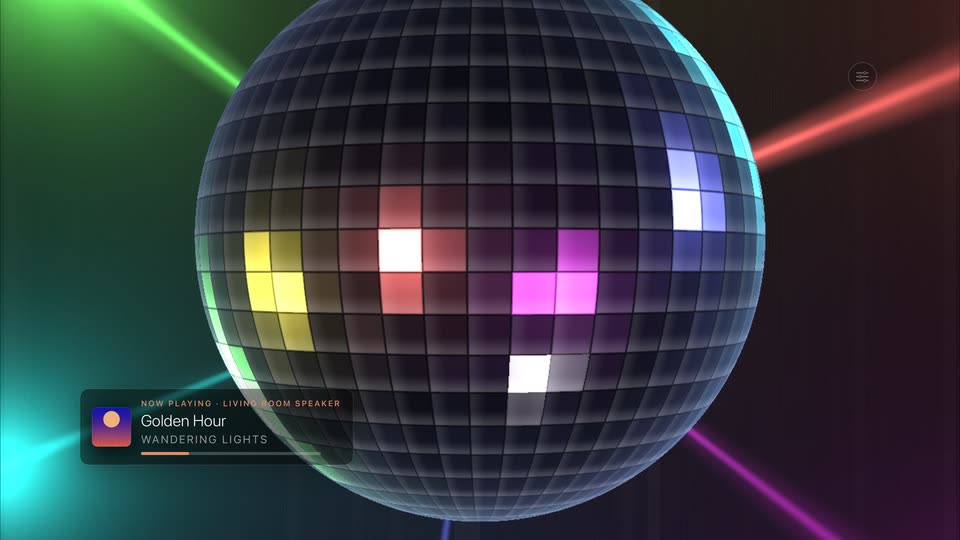
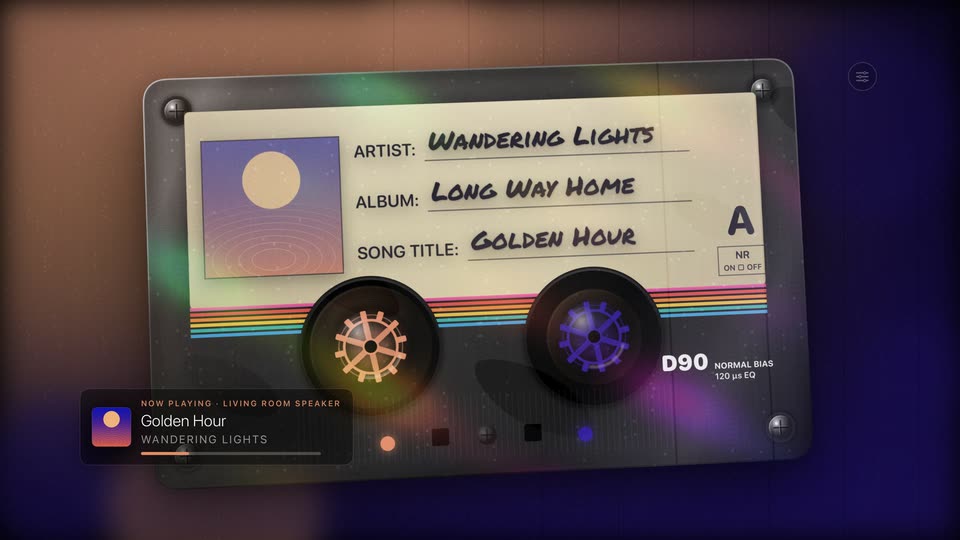
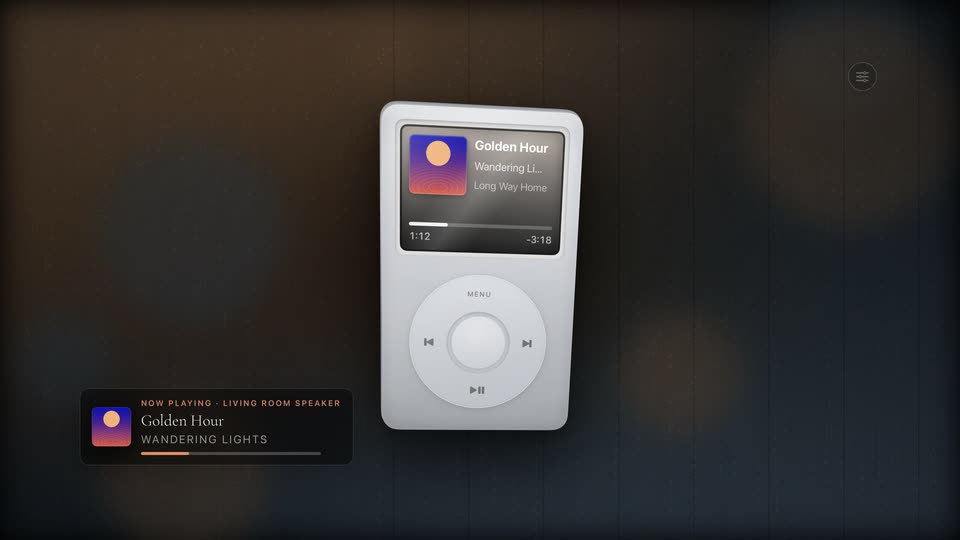
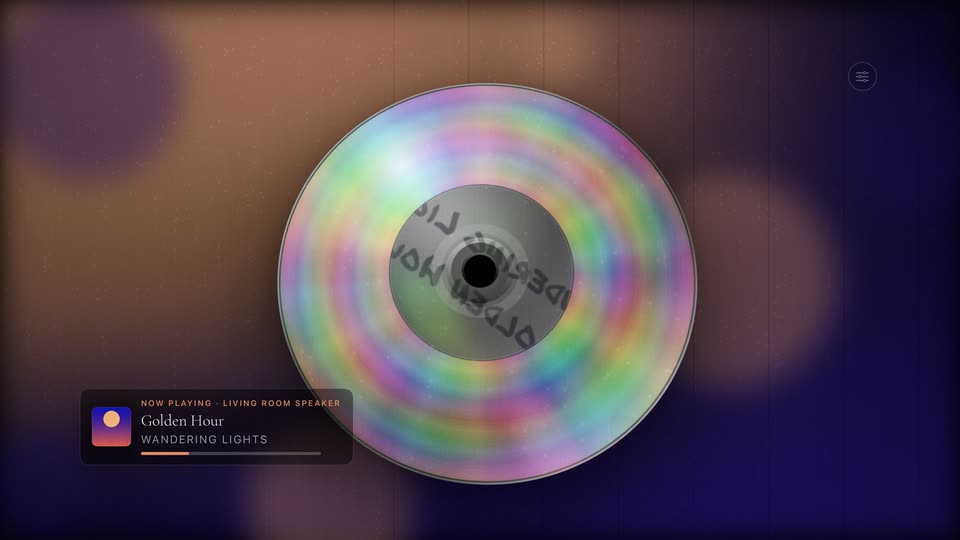
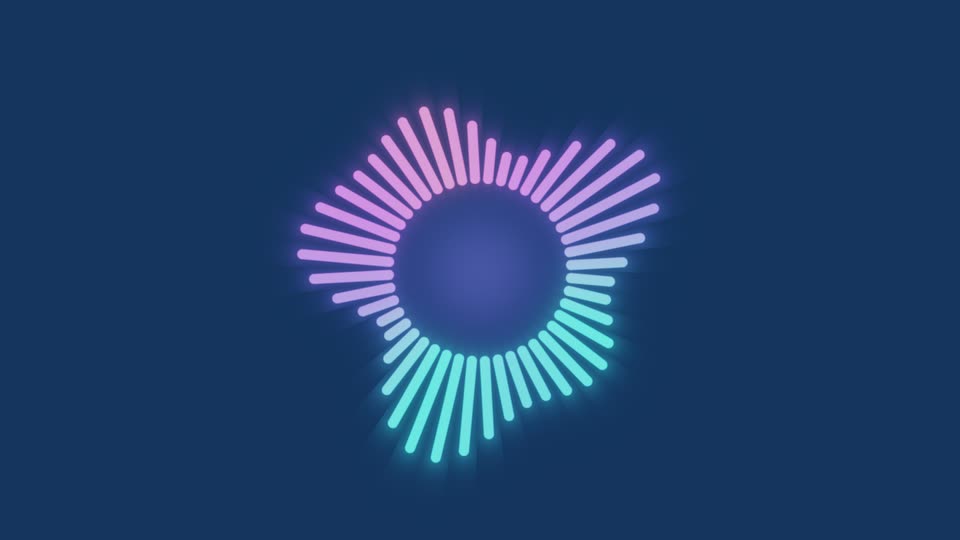
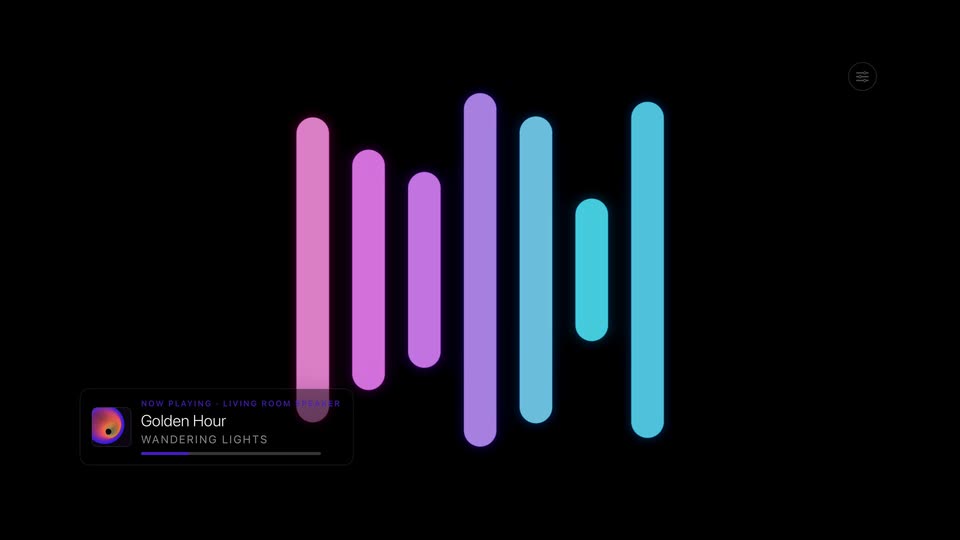
Most music visualizers just replay video loops. Theatrium generates every scene in real time on the Apple TV, from flowing abstract fields to hand-crafted retro showpieces like a spinning Compact Disc, a click-wheel iPod and a hyper-real Mirrorball, drawing on the track's tempo, album art and title, and reshuffling each play, so the same song never looks the same twice.
The cover’s dominant swatch becomes Main; a contrasting swatch becomes Accent.
Album art
→
Main#3D6BE6
Accent#E8479E
→
In the room
Visualizer
Color from the scene
The scene’s prevailing hue becomes Main; a highlight becomes Accent.
On screen
→
Main#43D8C5
Accent#A5419F
→
In the room
Everything it can do.
Twenty‑eight things Theatrium does well, each shown with the real screen it puts on your TV. Choose one from the list, or scroll.Swipe through them.
Thirty scenes, drawn live from the music.
Nothing here is a video file on the Apple TV. Each scene is generated on its graphics chip from the track’s tempo and album art, so the same song never looks the same twice. Swipe through the catalog; tap any scene to see it full screen.
Live
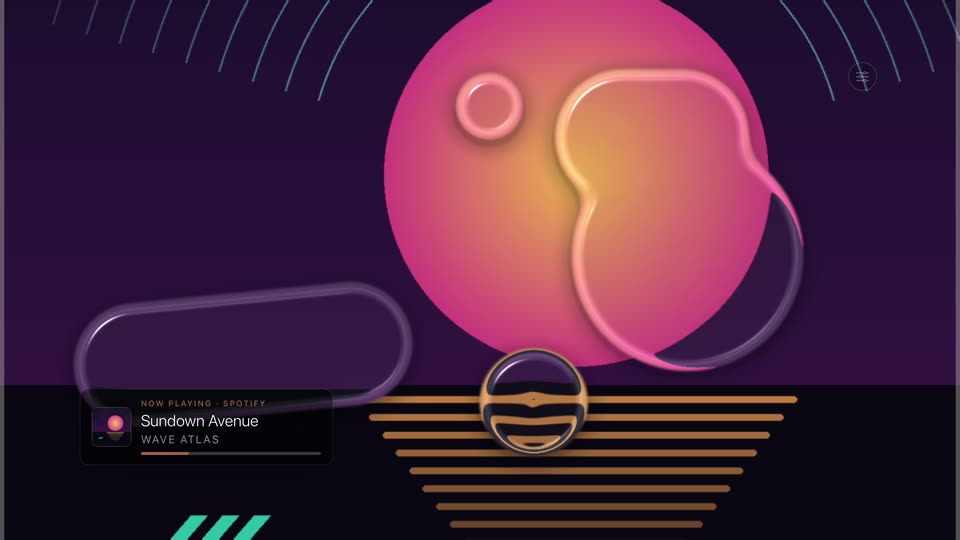
Liquid SandMolten glass drops drifting over your album cover, marbling it like ink in water. Shown with a stand-in cover.
Album Art
Live
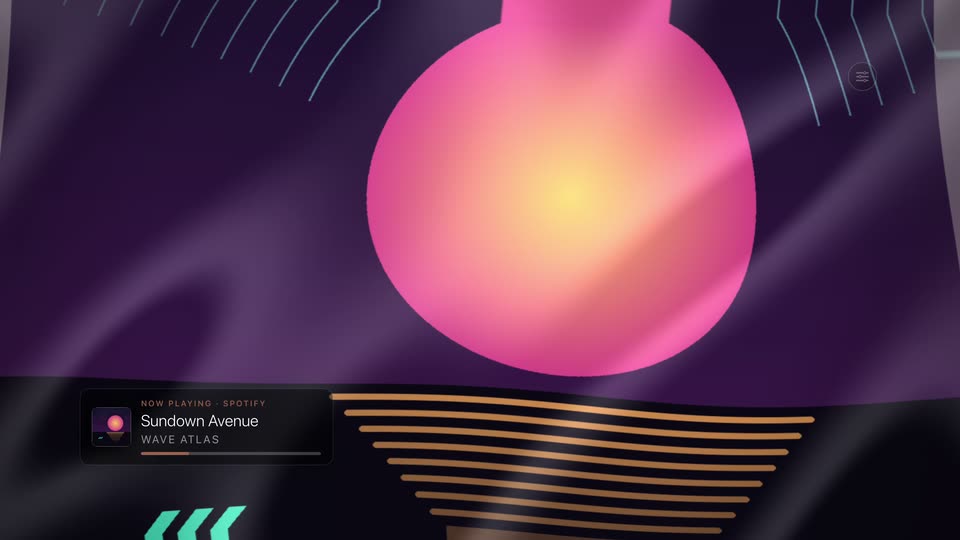
SilkYour album cover flowing like liquid fabric, a sheen riding the waves. Shown with a stand-in cover.
Album Art
Live
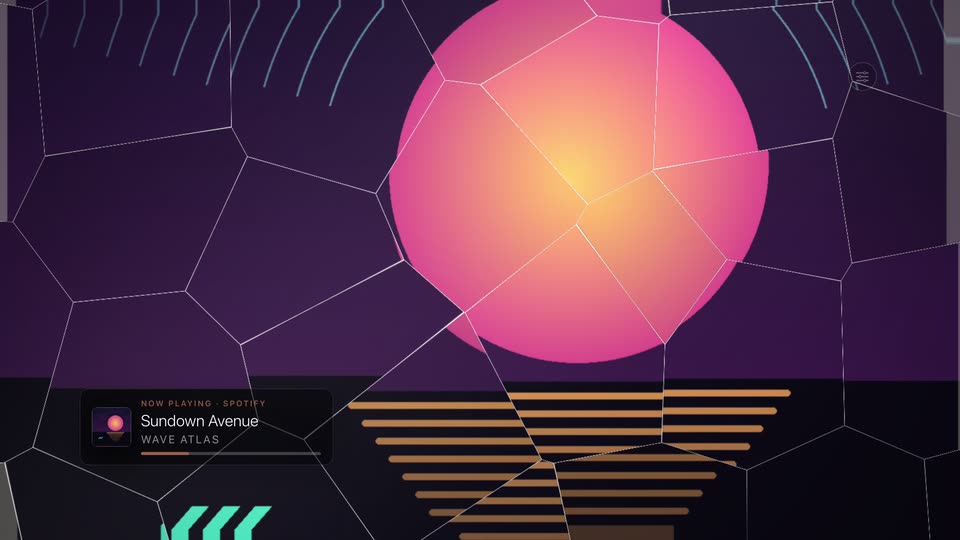
PrismThe cover through drifting crystal facets, glints sweep in time with the tempo. Shown with a stand-in cover.
Album Art
Live
GalleryA museum spotlight drifts across your cover in a darkened room. Shown with a stand-in cover.
Album Art
Live
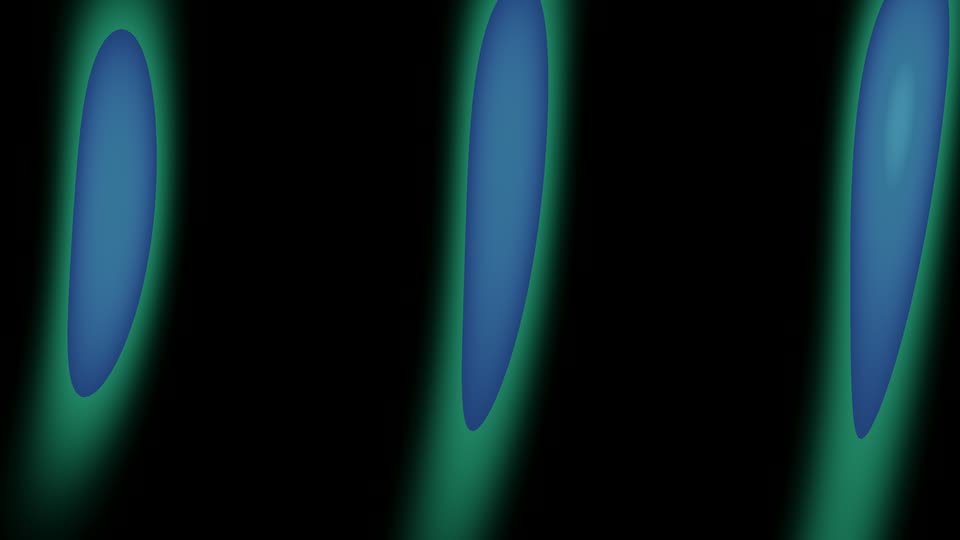
AuroraShimmering northern lights columns
Calm
Live
OceanRolling ocean surface with caustic light
Calm
Live
Line RibbonsFlowing ribbon traces with gentle depth
Calm
Live
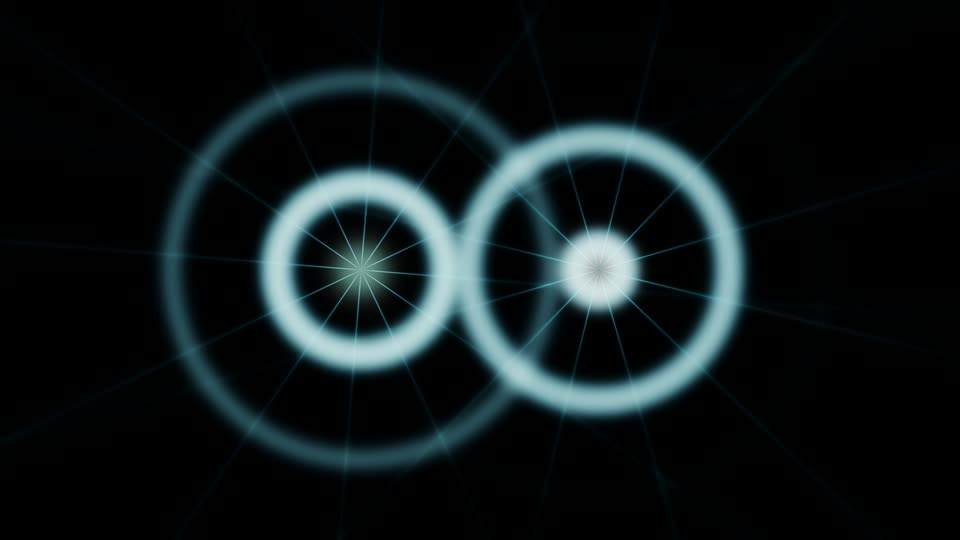
InterferenceOverlapping wave fields on dark glass
Calm
Live
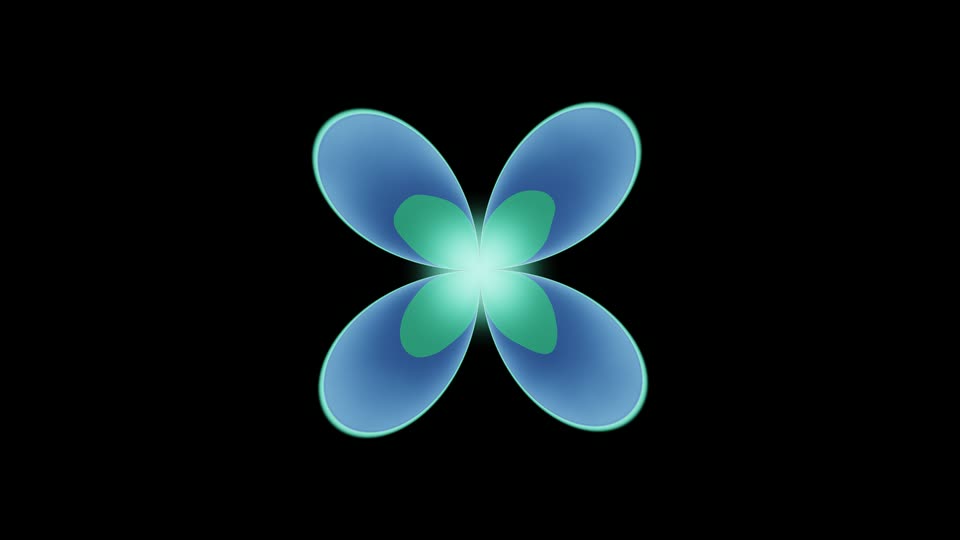
ButterflyWing-pattern symmetry in vivid color
Calm
Live
FireTurbulent flame with embers
Kinetic
Live
KaleidoscopeMirror-fold symmetry with vivid palette
Kinetic
Live
NeonGlowing neon tube patterns
Kinetic
Live
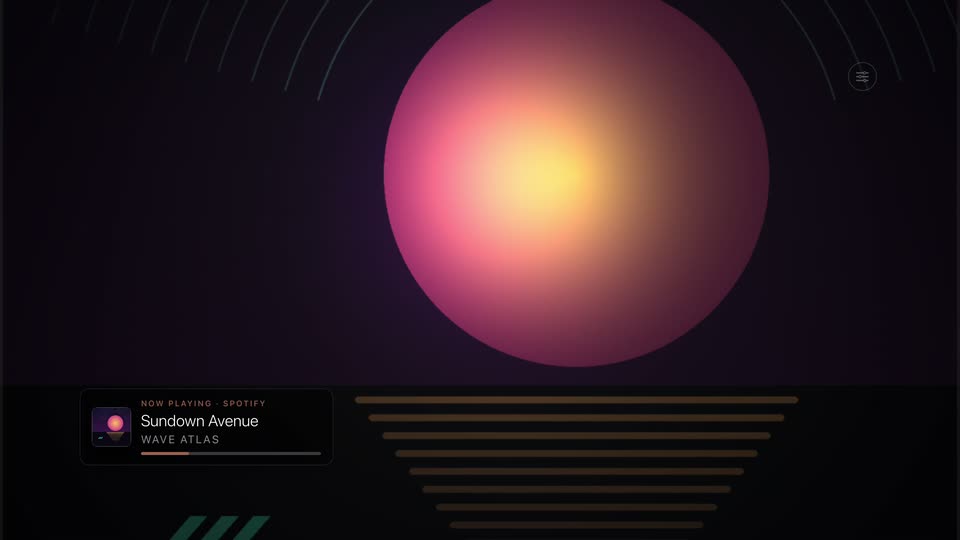
Neon GridRetro synthwave perspective grid
Kinetic
Live
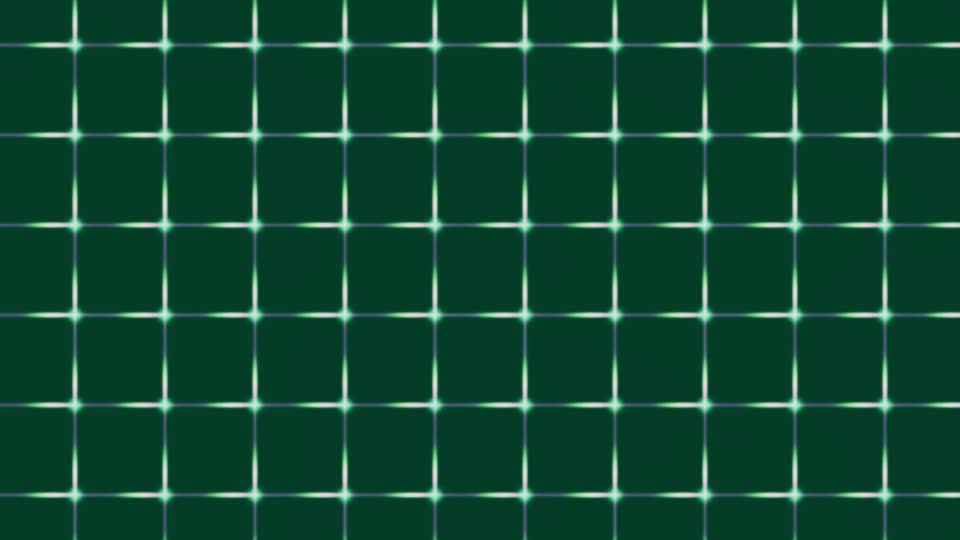
Circuit TracesFine signal grid with traveling pulses
Kinetic
Live
Iron FilingsMagnetic field line patterns
Kinetic
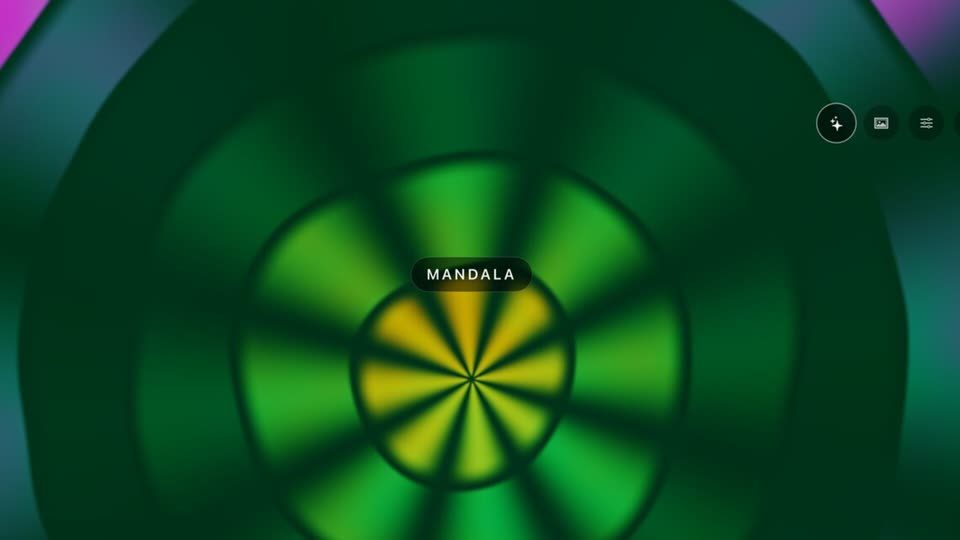
MandalaRotating concentric geometric rings
Kinetic
Live
Fractal SpiralDeep-zoom Julia fractal with a morphing spiral descent
Fractal
Live
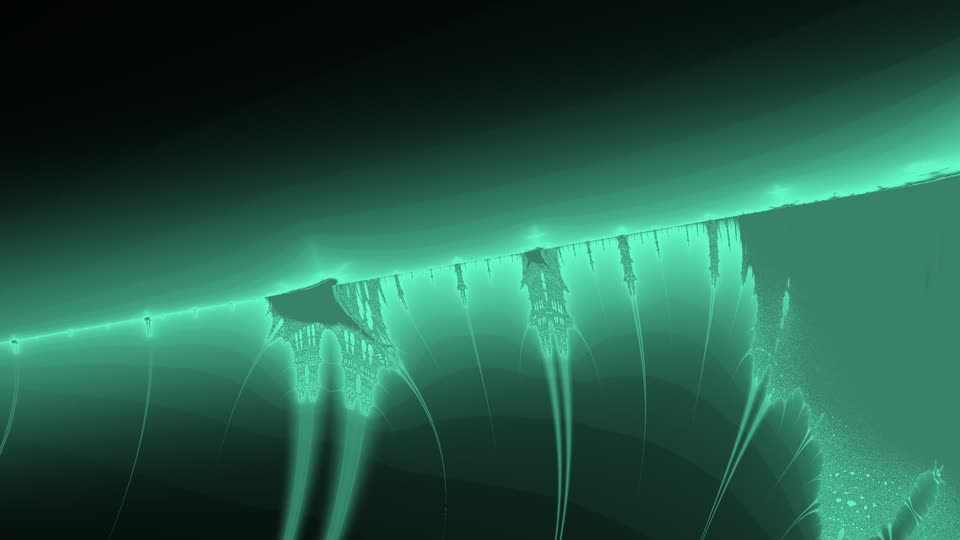
Burning ShipBurning Ship fractal — dark hull with glowing rigging
Fractal
Live
NewtonNewton fractal — three color basins with fractal petals
Home Assistant, Apple HomeKit, or just an Apple TV.
Run Theatrium on a full Home Assistant server, straight off Apple HomeKit with no server at all, or with no smart home whatsoever. It reads whatever's playing, then drives the visualizer and your lights to the track's tempo.
With a home server
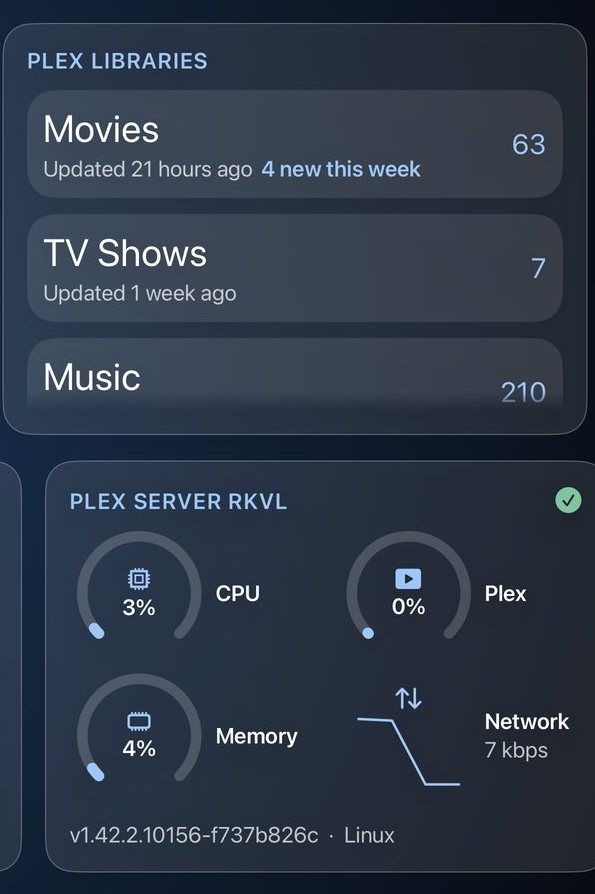
Every entity you've set up, plus the extras only a server gives: history sparklines, who's-home, system metrics, and media from any connected speaker.
No server needed
Point Theatrium straight at your Apple Home: lights, climate, cameras, locks, covers, sensors and scenes. Bring the music and visualizer with Apple Music, Spotify or Last.fm.
No smart home at all? Apple TV‑only mode still gives you the full ambient screen:
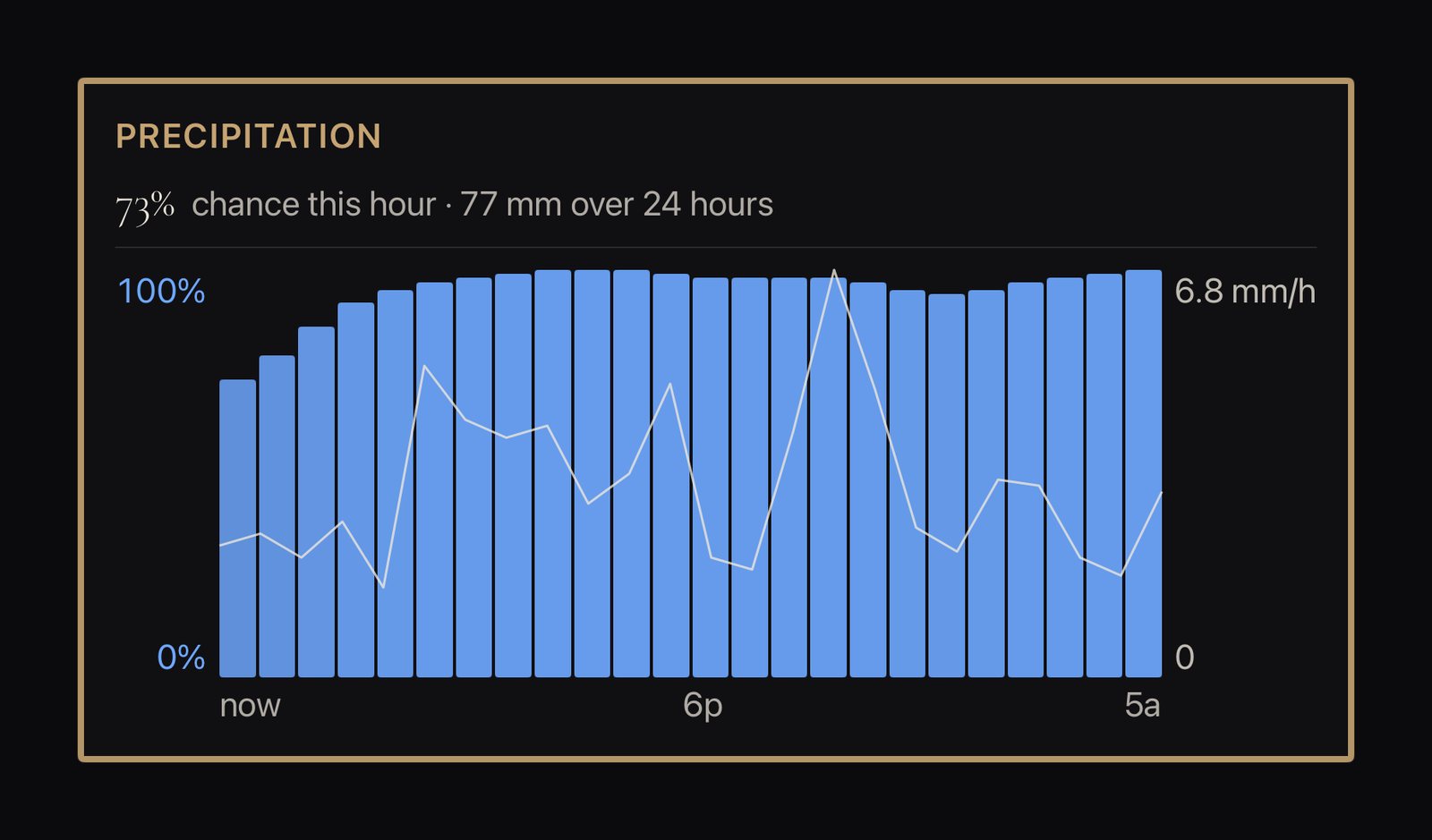
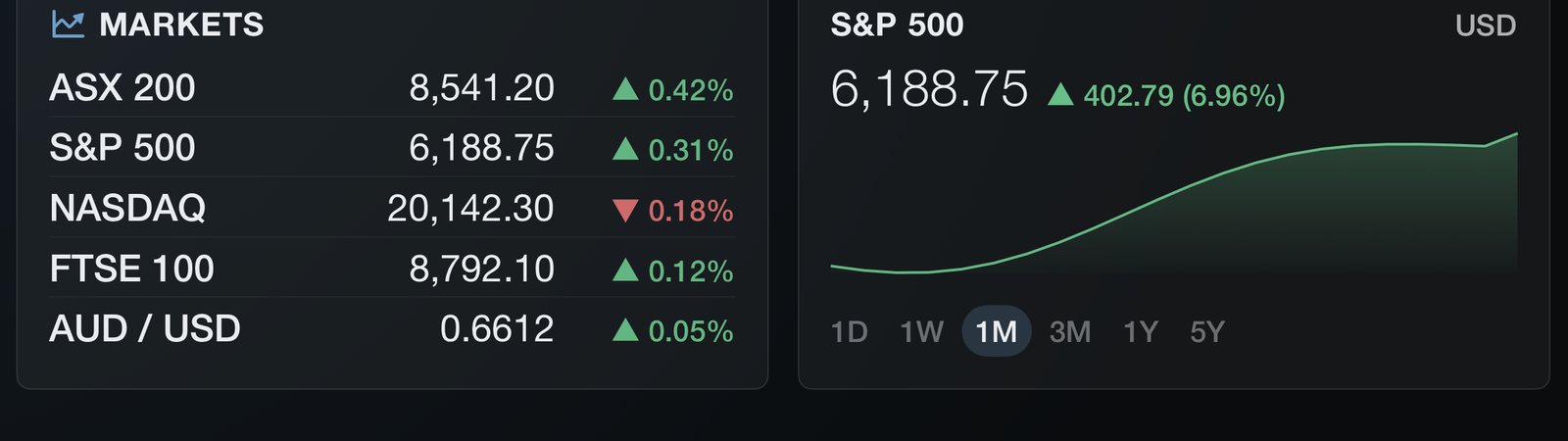
weather and rain radar from your location, live webcams, markets, crypto, news, a calendar and the clock,
plus the visualizer and your music. Zero setup.
Works with
Apple HomeHome AssistantPhilips HueTuyaApple MusicSpotifyLast.fmSonosPlexBlueskyYouTubeTessie
Apple’s tvOS, the operating system that powers Apple TV, comes with its own screen saver and sleep options. Theatrium extends these with a series of complementary features designed to reduce energy consumption and lower the risk of screen burn-in.1
While you watch
Pixel Shift
The one that works while you are still watching. The whole screen moves a pixel or two every few minutes, so a clock face or a card edge never sits on the same pixels all evening. The movement is eased and too small to notice.
On while the dashboard is showing. Irregular timing, so the path never settles into a pattern.
After 30 min – 2 h
Dim
The first step down. The dashboard stays on screen and readable, just quieter — useful in a dark room as well as on the panel. Any press brings it straight back.
After 30 minutes, 1 hour or 2 hours — or off. Three depths: slight, medium, deep.
After 1 – 4 h
Screensaver
The step past dimming: true black with the logo drifting, so no pixel carries a static image. Alerts still appear over it, and the rest of the panel stays dark.
After 1, 2 or 4 hours — or off. Runs on its own clock, after dimming.
Set in tvOS, 15 min – never
Apple TV sleep
tvOS's own last word: the Apple TV stops sending a picture and most TVs switch the panel off entirely. Nothing beats it for power or for the panel. Theatrium comes back where you left it.
Set in tvOS Settings › General › Sleep After, from 15 minutes to never.
What the TV draws, left on
Theatrium dashboard65 W
Dashboard, dimmed60 W
Theatrium screensaver58 W
tvOS Home screen77 W
Apple Aerial screensaver107 W
Estimated for a 65″ OLED from the measured picture level of each screen. The line marks the ~58 W the TV's own electronics draw with the panel dark; everything right of it is light on screen.2
Running quietly behind all four, ambient theming shifts the dashboard's accent and glow with the time of day — warmer through golden hour, cooler and dimmer at night. The layout never moves, but the lit parts of the picture are never quite the same from one hour to the next, and the panel works a little less in the evening.
What you need
Hardware
Apple TV: any Apple TV 4K, 1st generation (2017) onwards, with tvOS 18.0 or later.
Android: a Google TV or Android TV device, or an Android tablet, with Android 8.0 or later. For the smoothest music visuals, we recommend a recent streamer such as the Google TV Streamer or NVIDIA SHIELD TV.
A data source
Home Assistant, or Apple Home on Apple TV. Theatrium finds a Home Assistant server on your network and fills the address in, then you sign in by scanning a code on your phone, so there is no access token to create. A built-in Demo mode lets you explore the whole app with neither.
Lights
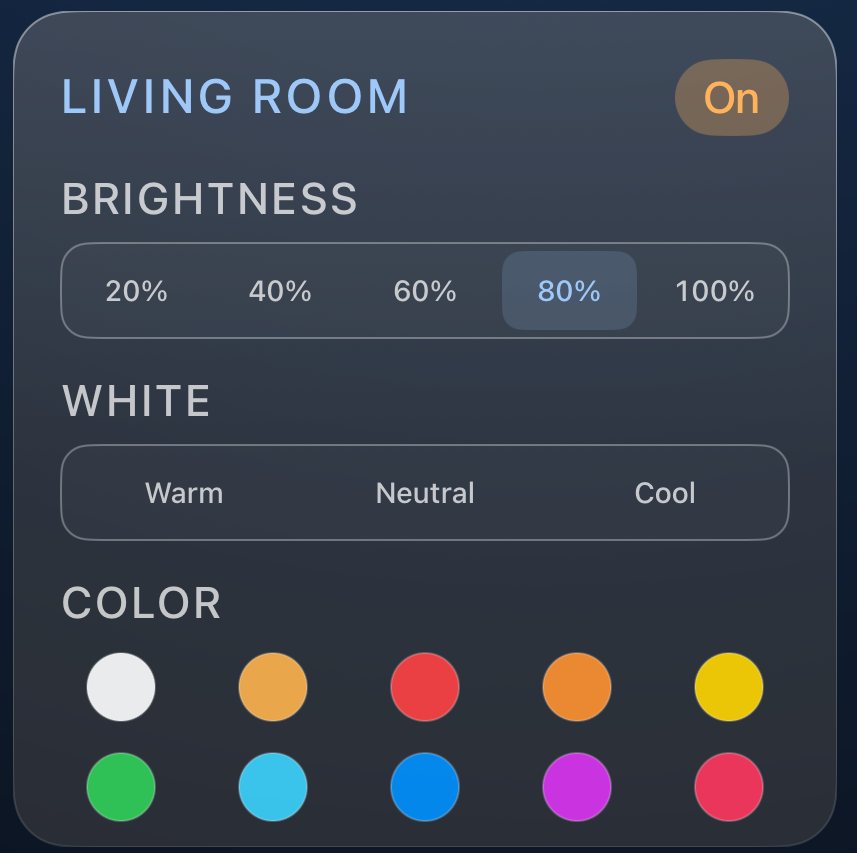
Smart lights already set up in Home Assistant or HomeKit. For optimal light-sync effects, we recommend creating a Main and an Accent group, or set, of lights.
Music
The visualizer and light sync follow whatever’s playing: Apple Music on this Apple TV, or Spotify, Last.fm and Plex mirrored from your phone or computer. On Home Assistant, any media_player source works too, including Music Assistant.
Plays withApple MusicSpotifyLast.fmPlex
Theatrium displays the rooms, accessories and media you have already configured; it does not set up Home Assistant, HomeKit or your lights for you. Your TV or tablet and your data source must be on the same local network. Theatrium is an independent app and is not affiliated with or endorsed by Apple, the Open Home Foundation, Spotify, Last.fm, Plex, Ring, Sonos, Signify (Philips Hue) or Google. All trademarks are the property of their respective owners.
From the people using it
“Thank you for probably the most aesthetically pleasing app on AppleTV.”
via r/appletv
“This looks excellent and way ahead of the other options I have played with for home automation and dashboard on Apple TV.”
via r/appletv
“The app is very impressive and well thought out.”
via r/appletv
“I cared for both my elderly parents at home… Thanks for your work on this — it will make a real difference!”
via r/appletv
“I live in an RV so this is a perfect use of the ATV to feel more like a work space.”
via r/TheatriumApp
“Well, finally someone came up with a great idea, and managed to build on it.”
via r/appletv
THEATRIUM®
Free to download for Apple TV, Google TV and Android tablets.
Free to download: the dashboard, the music visualizer and basic light sync are included. Pro is a one-time upgrade, no subscription, that adds the extra themes, custom alerts and the richer light-sync modes.